







I have a virtual tour on my website and would like an audit.

I don't have a virtual tour yet, would love a demo to see how it works.

Introduction
For large numbers of students and parents who don’t get to see a campus for themselves due to physical distance, time, and money issues. Also, it is key when we are looking at a school to know that space out, but that is not always easy to do.
This is what digital exploration tools do. We see in virtual campus tours and Google Street View two very common options. At first look, both allow users to tour a campus from home. But what they offer in terms of experience, depth of understanding, and intent is very different.
This article goes through how each approach works, what the end user experience is, and which is better for in-depth campus exploration.
Key Takeaways
- Virtual campus tours are designed experiences, while Google Street View is a general mapping tool
- Virtual tours provide structured navigation and contextual understanding, not just visual access
- Google Street View offers broad coverage, but lacks educational intent and guided exploration
- For decision-making and engagement, virtual tours deliver greater clarity and depth
Why This Topic Matters?
Institutions are no longer just showing spaces; they are helping people understand them from a distance. A campus consists of more than buildings and walkways. It represents culture, functionality, accessibility, and daily life. Without the right context, even high-quality images can leave users with incomplete or misleading impressions.
Virtual tours tackle this by focusing on:
- Accessibility: Allowing global audiences to explore without travel
- Spatial understanding: Assisting users in understanding layout, flow, and the relationships between spaces
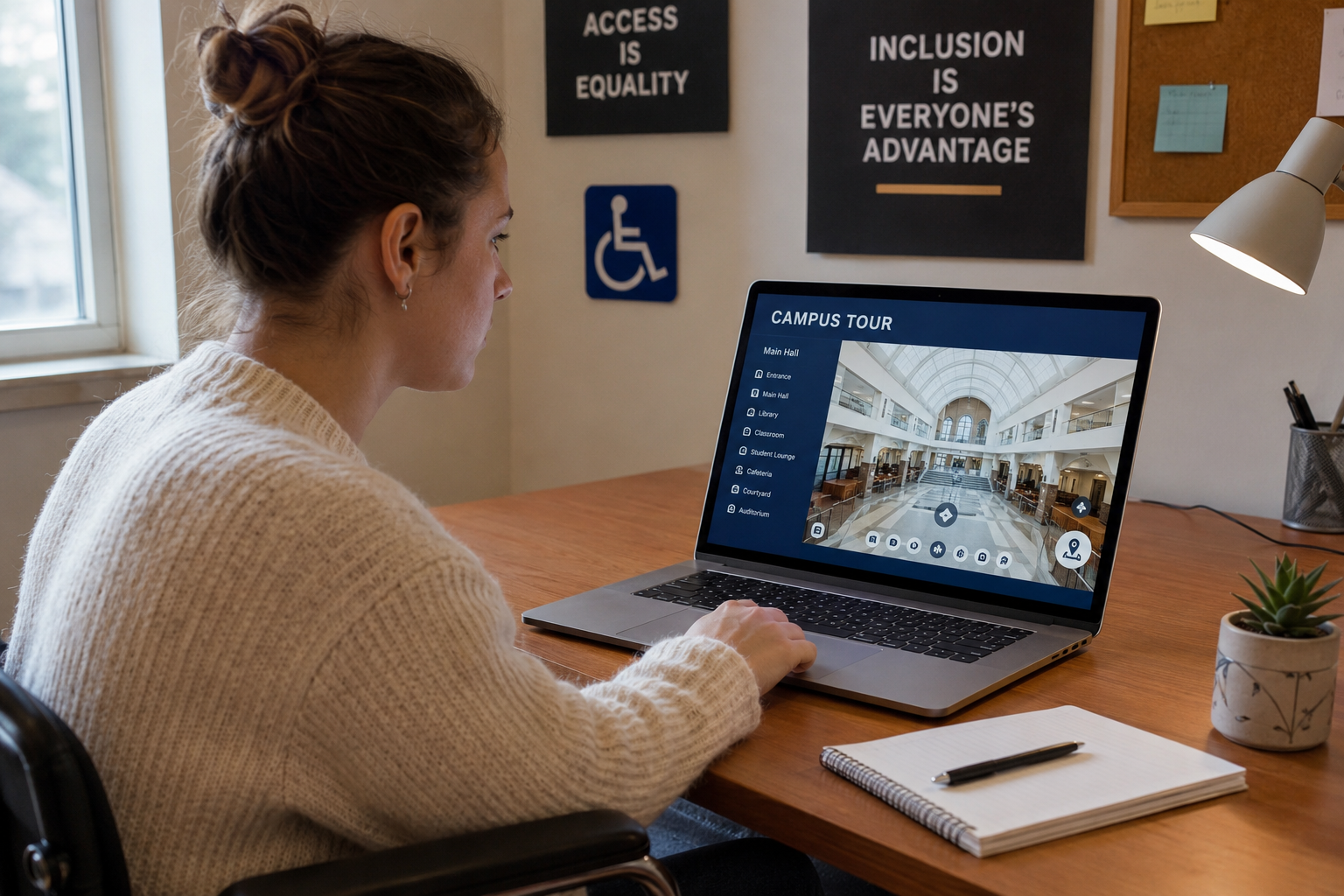
- Inclusion: Supporting students who cannot visit due to financial, physical, or logistical reasons
- Clarity: Presenting information in a clear and structured manner
This is why many institutions are shifting from static visuals to immersive, guided experiences. For a broader perspective, check out the main article on Benefits of Virtual Tours for Schools, Colleges, and Universities.
Understanding Google Street View in a Campus Context
Google Street View is primarily built for navigation and mapping. It captures panoramic imagery along roads and accessible pathways, allowing users to move through spaces in a linear, street-based format.
How Users Experience It
- Navigation is point-to-point, following roads or paths
- Movement is often limited to outdoor areas
- There is no guided structure or narrative
- Users must independently decide where to go and what to look for
For someone casually exploring a campus location, this can be useful. It provides a sense of surroundings, nearby streets, and general layout.
Where It Falls Short
In an educational setting, Street View lacks intentionality. It does not:
- Highlight key facilities (labs, libraries, student centers)
- Explain the purpose or function of spaces
- Offer a curated journey through the campus
- Provide indoor access in most cases
As a result, users may see the campus—but not truly understand it.
What Defines a Virtual Campus Tour?
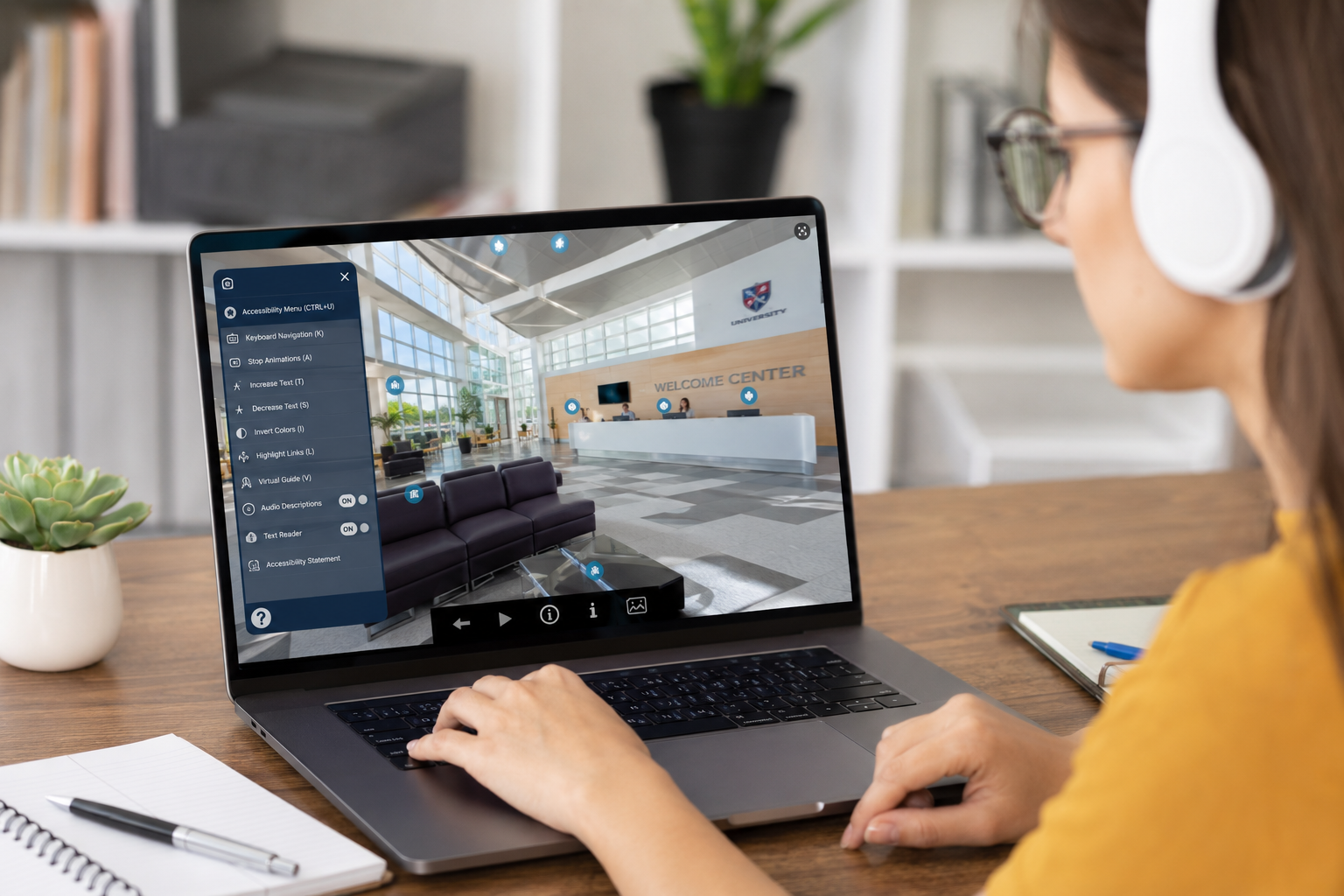
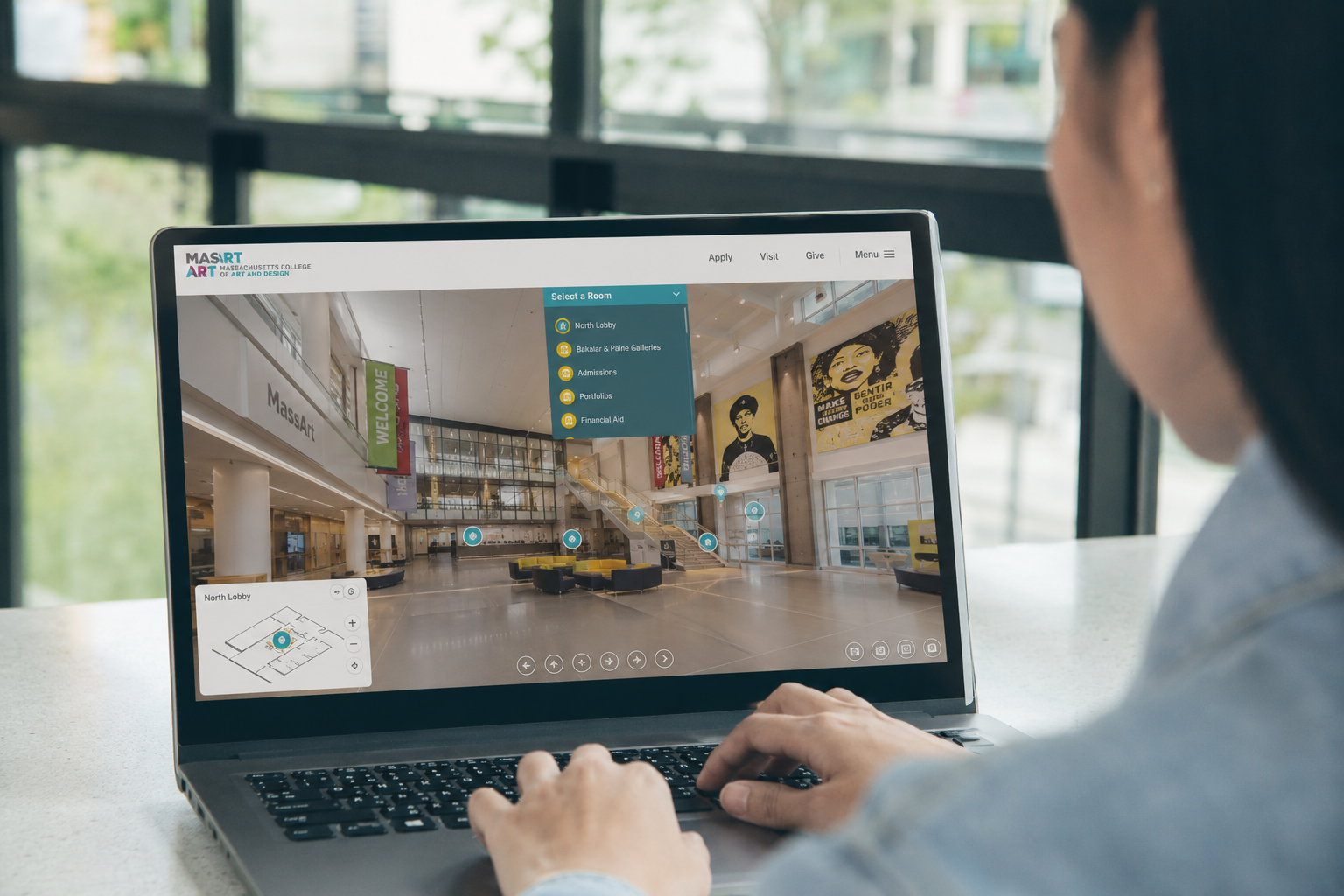
A virtual campus tour is not just a collection of images. It is a structured, interactive experience designed specifically for exploration and understanding.
How It Functions
- Users navigate through connected scenes (indoors and outdoors)
- Movement is intentional, often guided by hotspots or directional cues
- Key areas are highlighted and contextualized
- Navigation reflects how a person would realistically move through the campus
How Users Experience It
Instead of wandering aimlessly, users are guided through:
- Entry points (main gates, reception areas)
- Academic spaces (classrooms, labs, lecture halls)
- Student facilities (libraries, cafeterias, dorms)
- Shared spaces (courtyards, event areas)
Each transition is purposeful, helping users build a mental model of the campus.
Structured Exploration vs Open Navigation
Google Street View: Open but Unguided
Street View gives users freedom—but without direction.
- Users may miss important areas entirely
- There is no prioritization of key spaces
- Exploration depends heavily on user patience and familiarity
For example, a prospective student might struggle to locate a specific department or facility without prior knowledge.
Virtual Tours: Guided but Flexible
Virtual tours combine structure with freedom.
- Users are guided through important touchpoints
- Navigation remains flexible, but intentionally designed
- The experience mirrors a real campus visit
This balance ensures users don’t just explore—they understand what matters.
Indoor Access and Depth of Experience
Google Street View Limitations
Most Street View coverage is:
- Outdoor-focused
- Limited to public pathways
- Inconsistent for interiors
Even when indoor imagery exists, it is often fragmented and not part of a cohesive experience.
Virtual Tour Capabilities
Virtual tours are built to include:
- Classrooms and lecture halls
- Laboratories and specialized facilities
- Libraries and study areas
- Dormitories and common spaces
This creates a complete picture of campus life, not just the exterior environment.
Context and Interpretation
The Role of Context
Seeing a space is not the same as understanding it.
For example:
- A lab without explanation is just a room
- A student lounge without context may appear generic
- A large building may not communicate its purpose
Google Street View
- Provides visual data without interpretation
- Leaves users to guess the function and importance of spaces
Virtual Tours
- Embed context directly into the experience
- Help users interpret what they see
- Clarify how spaces are used in real scenarios
This distinction is critical for institutions aiming to communicate value and experience.
User Behavior and Decision-Making
Passive Viewing vs Active Exploration
Google Street View often leads to passive browsing. Users click through out of curiosity but may not retain meaningful insights.
Virtual tours encourage active exploration:
- Users engage with the environment
- They follow a logical journey
- They build a mental map of the campus
Impact on Decisions
For prospective students or stakeholders:
- Street View answers: “What does it look like?”
- Virtual tours answer: “How does it feel and function?”
The latter is far more relevant when making decisions about enrollment, partnerships, or visits.
Spatial Clarity and Navigation Understanding
Google Street View
- Linear navigation can make it difficult to understand relationships between spaces
- Users may lose orientation or context
Virtual Tours
- Provide clear transitions between areas
- Help users understand proximity and layout
- Reinforce spatial relationships (e.g., library near lecture halls, dorms near facilities)
This clarity is especially important for large campuses where navigation is a concern.
Comparing Virtual Tours with Other Formats
Virtual Tours vs Photos
Photos capture moments. They are static and selective.
Virtual tours:
- Show continuity between spaces
- Allow users to explore beyond a single frame
- Reduce ambiguity about layout and scale
Virtual Tours vs Videos
Videos guide users—but in a fixed sequence.
Virtual tours:
- Give users control over navigation
- Allow exploration at their own pace
- Support revisiting specific areas
This shift from passive viewing to interactive exploration significantly improves understanding.
Final Thoughts
Google Street View and virtual campus tours serve different purposes.
Street View is a powerful tool for general navigation and location awareness. But when it comes to understanding a campus as a functional, lived environment, it falls short.
Virtual tours, on the other hand, are built with intent. They guide users through spaces, provide context, and create a structured experience that mirrors real-world exploration.
As institutions continue to engage global and remote audiences, the ability to present spaces clearly, accessibly, and meaningfully will only grow in importance.
Virtual tours are not just a visual upgrade—they represent a shift toward transparent, inclusive, and experience-driven communication.
FAQs
It can provide a general overview, but it lacks the structure and context needed for meaningful understanding—especially for first-time visitors.
Well-designed virtual tours are intuitive. Navigation is guided through visual cues and logical pathways, making them easy to explore without prior experience.
They don’t replace them entirely, but they reduce uncertainty and help users decide whether a physical visit is necessary.
They can capture a significant portion—especially spatial layout and facilities—but should be complemented with other content for a complete picture.
No. They are equally valuable for parents, faculty, partners, and any audience needing to understand a physical space remotely.
I have a virtual tour on my website and would like an audit.
I don't have a virtual tour yet, would love a demo to see how it works.