







I have a virtual tour on my website and would like an audit.

I don't have a virtual tour yet, would love a demo to see how it works.

Introduction
For many students today, visiting a campus in person is not always possible.
They may be in a different city, a different country, or simply evaluating multiple institutions within a limited timeframe. In these situations, digital exploration becomes the primary way they experience a campus.
Naturally, many turn to Google Street View. It’s accessible, familiar, and easy to use.
But after a few minutes of clicking through roads and rotating static views, a common realization sets in: this doesn’t feel like being there.
The question then becomes more important—especially for institutions trying to communicate their environment clearly:
Are virtual campus tours actually better than Google Street View for remote students?
This blog explores that question in depth, focusing on how each option shapes user understanding, engagement, and decision-making.
Key Takeaways
- Google Street View helps locate a campus, but not understand it
- Virtual campus tours allow interactive, self-guided exploration of real spaces
- Remote students need context, flow, and immersion—not just visuals
- Virtual tours support better decision-making by reducing uncertainty
- Immersive walkthroughs align more closely with how people experience physical environments
Why This Topic Matters?
Remote decision-making has become a standard part of education.
Students are choosing where to live, study, and spend years of their lives—often without ever stepping on campus beforehand.
This creates a fundamental challenge:
How do you communicate a physical experience through a digital medium?
This is where the difference between tools becomes critical.
Google Street View offers visibility.
Virtual tours offer understanding.
Institutions are increasingly adopting immersive virtual tours because they address deeper needs:
- Accessibility for students who cannot travel
- Spatial clarity that helps users understand how spaces connect
- Inclusion for diverse audiences with different constraints
- Transparency in how facilities and environments are presented
These are not surface-level benefits. They directly impact how confidently a student can make a decision.
What Remote Students Actually Need From a Campus Experience
Beyond Seeing: Understanding the Environment
When a student explores a campus remotely, they are not just looking for images.
They are trying to answer questions like:
- What does a typical day here feel like?
- How far are key facilities from each other?
- What are the learning spaces actually like?
Street View does not answer these questions effectively because it lacks structure and context.
Virtual campus tours, however, are designed to simulate intentional exploration—allowing users to move through spaces in a way that reflects real-world behavior.
Freedom to Explore, Not Just Navigate
Google Street View follows a road-based logic. You move along predefined paths, often limited to outdoor areas.
This creates a constrained experience:
- You cannot easily enter buildings
- Movement feels segmented and unnatural
- Exploration is dictated by where the camera has been placed
In contrast, virtual tours allow users to:
- Enter classrooms, labs, libraries, and dorms
- Move between spaces seamlessly
- Choose their own path based on interest
This shift—from navigation to exploration—is what makes the experience meaningful.
Mass Interact’s approach to virtual tours, for example, focuses on interactive, self-guided environments where users can move through spaces as they would in real life. (Source: massinteract.com)
Context That Supports Decision-Making
A visual without context is limited.
Street View shows spaces, but it does not explain them.
Users are left guessing:
- Is this a lecture hall or an administrative building?
- What programs use this space?
- How modern or equipped is this facility?
Virtual tours integrate interactive hotspots, multimedia elements, and contextual information that provide clarity as users explore. (Source: massinteract.com)
This turns passive viewing into active understanding—an essential factor for remote students making high-stakes decisions.
Virtual Campus Tours vs Google Street View
User Behavior: Passive Browsing vs Active Exploration
With Google Street View, users tend to:
- Spend a short amount of time browsing
- Jump between disconnected points
- Focus on surface-level visuals
With virtual tours, users:
- Spend more time exploring
- Follow a logical path through spaces
- Engage with content intentionally
The difference lies in how the experience is structured.
Street View is designed for quick orientation.
Virtual tours are designed for deeper engagement.
Spatial Clarity: Fragmented Views vs Connected Understanding
Street View provides snapshots.
You might see a building entrance, then jump to another location entirely. There is little continuity.
Virtual tours, especially those built with 360-degree environments and 3D modeling, create a connected experience where users understand:
- How spaces relate to each other
- The scale and layout of facilities
- The transitions between different areas
This is critical for students trying to visualize their daily movement across campus.
Mass Interact’s use of immersive walkthroughs allows users to experience spatial relationships more realistically, rather than piecing together disconnected images. (Source: massinteract.com)
Decision Confidence: Uncertainty vs Clarity
Choosing a university is not just about academics—it’s about environment, comfort, and fit.
Street View leaves gaps:
- You don’t see interiors
- You don’t understand usage
- You don’t experience the atmosphere
Virtual tours reduce these gaps by offering:
- Detailed views of key facilities
- Interactive exploration of important spaces
- A clearer sense of campus life
As a result, students feel more confident in their decisions because they have a more complete picture.
Virtual Tours vs Other Visual Formats
Virtual Tours vs Photos
Photos are selective.
They show carefully chosen angles, often highlighting only the best aspects of a space.
While useful, they do not provide:
- Continuity
- Navigation
- Perspective
Virtual tours allow users to look around freely, forming their own interpretation of the space rather than relying on curated images.
Virtual Tours vs Videos
Videos guide the viewer.
You watch what is shown, in the order it is presented.
This creates a narrative—but not control.
Virtual tours reverse this dynamic.
Users decide:
- Where to go
- What to explore
- How long to stay in each space
This interactive control aligns more closely with how people explore environments in real life.
How Virtual Tours Function in Real Institutional Use
Guided Yet Flexible Exploration
A well-designed virtual campus tour does not overwhelm the user.
Instead, it provides:
- Clear navigation paths
- Optional guided routes
- The ability to jump between key locations
This balance ensures that users can explore freely while still understanding the structure of the campus.
Layered Information Within the Environment
Rather than separating visuals from information, virtual tours integrate them.
For example, a user exploring a science lab might:
- View the space in 360 degrees
- Click on an interactive point to learn about equipment
- Access additional media related to that facility
This layered approach reflects how people naturally explore physical spaces—by observing and interacting simultaneously.
Accessibility Across Devices and Locations
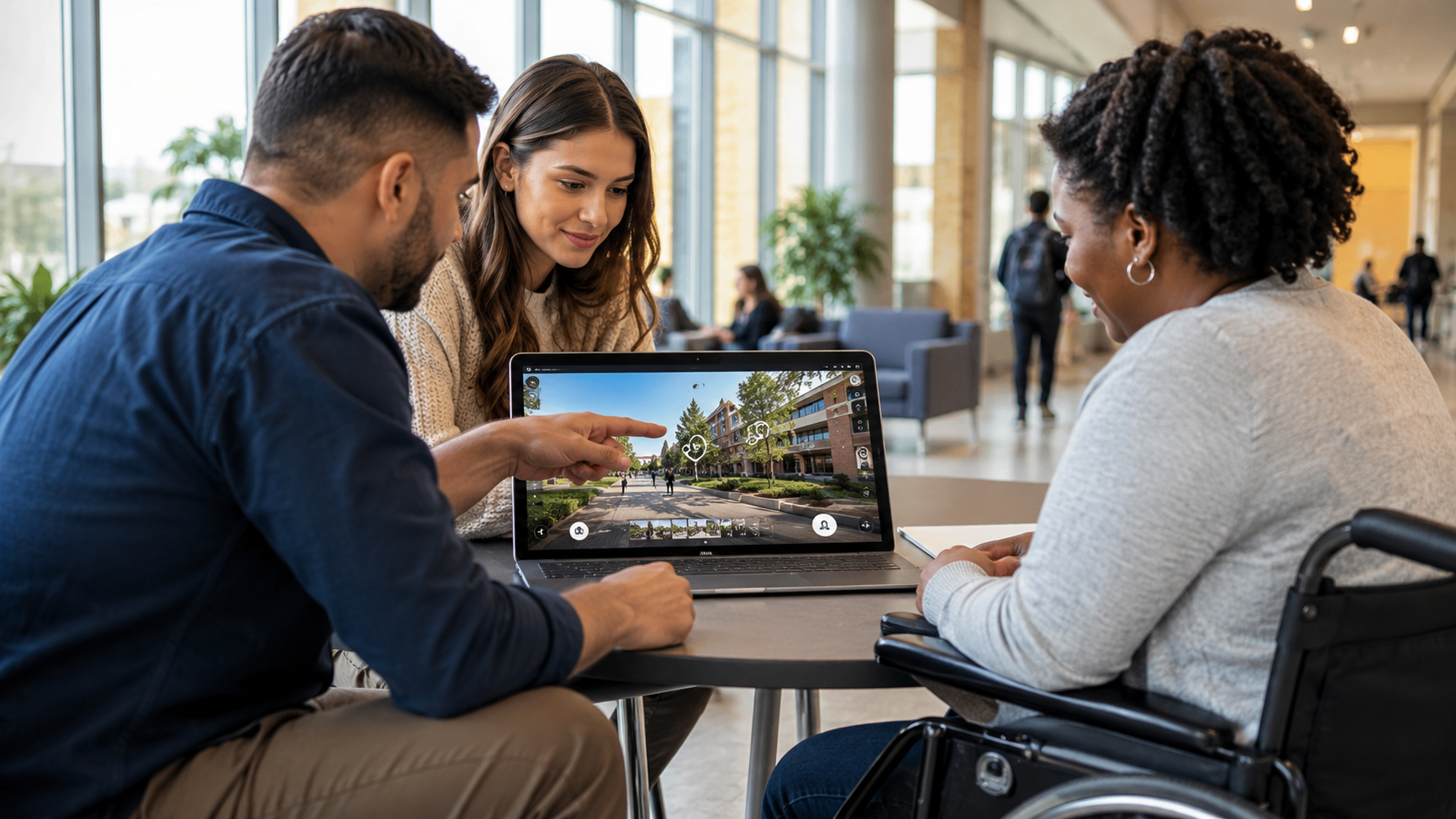
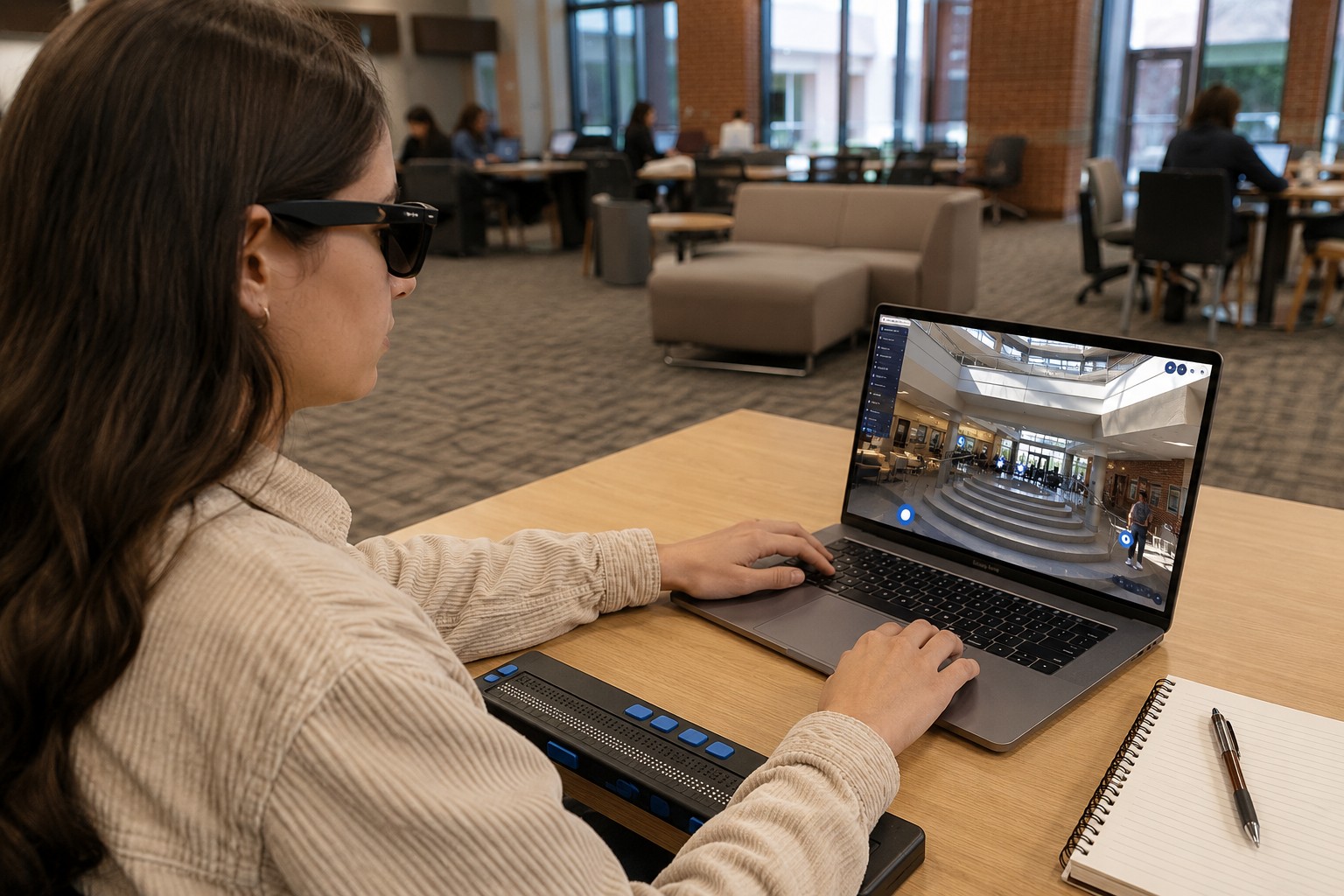
Virtual tours are designed to be accessible across devices, making them usable for:
- International students
- Students with mobility constraints
- Families exploring options together
This aligns with a broader institutional goal: making campus experiences available to everyone, regardless of location.
FAQs
Yes, it provides a basic overview of location and surroundings. However, it lacks the depth and interactivity needed for meaningful understanding.
Not entirely, but they significantly reduce uncertainty and help students narrow down choices before visiting.
No. Modern virtual tours are designed with intuitive navigation, allowing users to move through spaces easily and at their own pace.
Because they combine visual immersion with context and interaction, helping users understand both the layout and purpose of spaces.
Yes. Unlike Street View, virtual tours can include interiors such as classrooms, labs, dorms, and common areas.
Final Thoughts
Google Street View serves a clear purpose—it helps people find places.
But for remote students trying to evaluate a campus, finding is not enough.
They need to understand.
They need to experience.
They need to feel confident in their decision.
Virtual campus tours meet these needs by offering a more complete, interactive, and human-centered way to explore physical spaces.
They don’t just show what a campus looks like—they help users understand what it’s like to be there.
I have a virtual tour on my website and would like an audit.
I don't have a virtual tour yet, would love a demo to see how it works.