







I have a virtual tour on my website and would like an audit.

I don't have a virtual tour yet, would love a demo to see how it works.

Screen reader accessible virtual tours improve the student experience by making digital campus exploration more usable for individuals who rely on assistive technologies. When virtual tours support screen readers alongside accessible navigation and descriptive content, students can independently access campus information, better understand facilities, and make more informed educational decisions.
Why Is Screen Reader Accessibility Important in Virtual Campus Tours?
Many students begin researching universities online before visiting a campus. When virtual tours are not compatible with screen readers, some users may be unable to access important information about buildings, services, and campus facilities.
Screen reader accessibility allows assistive technology to interpret digital content, helping students understand information that might otherwise be presented only visually.
Providing accessible virtual experiences supports equal access to campus information during the research and admissions process.
How Do Screen Readers Work With Virtual Tours?
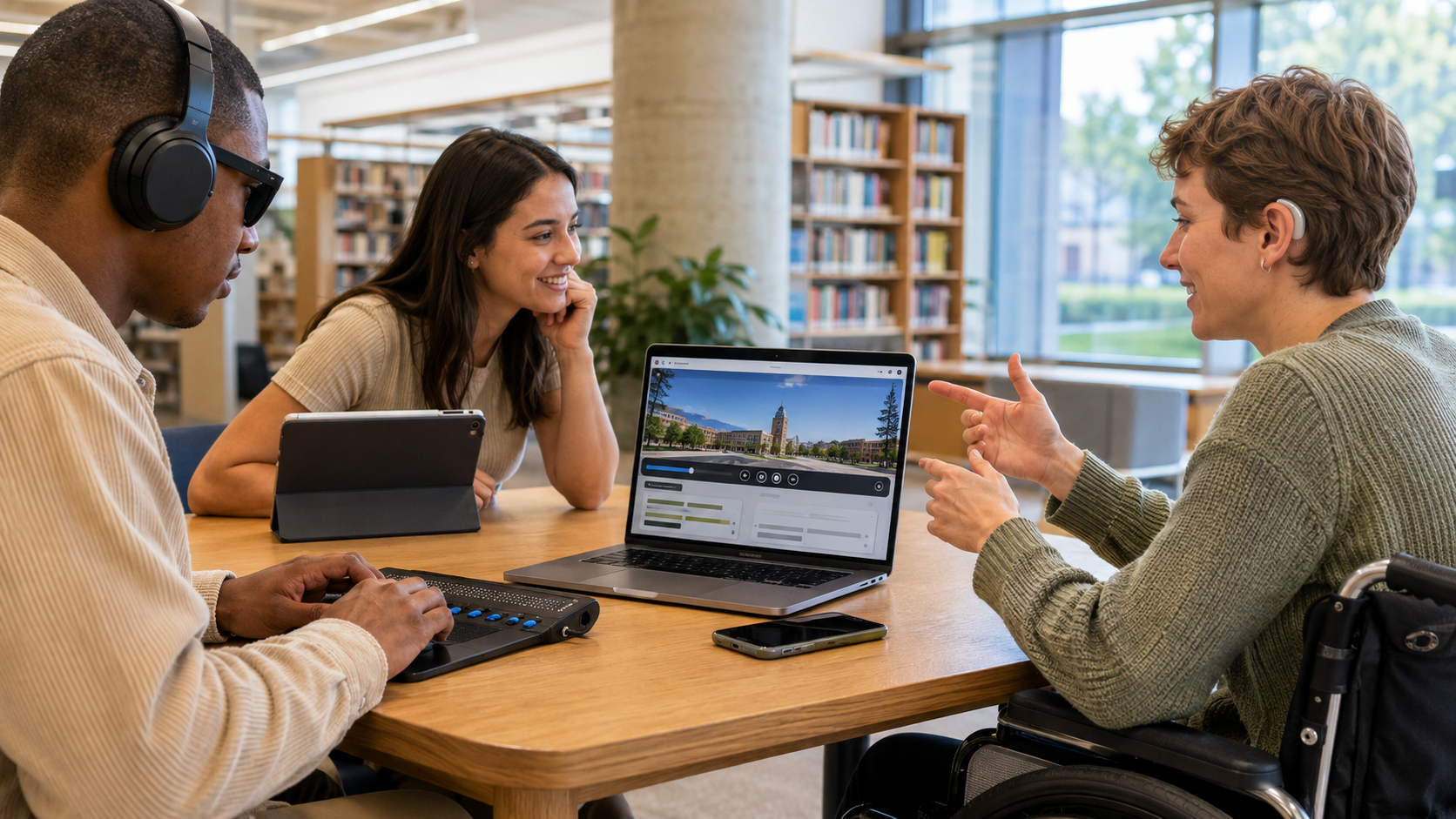
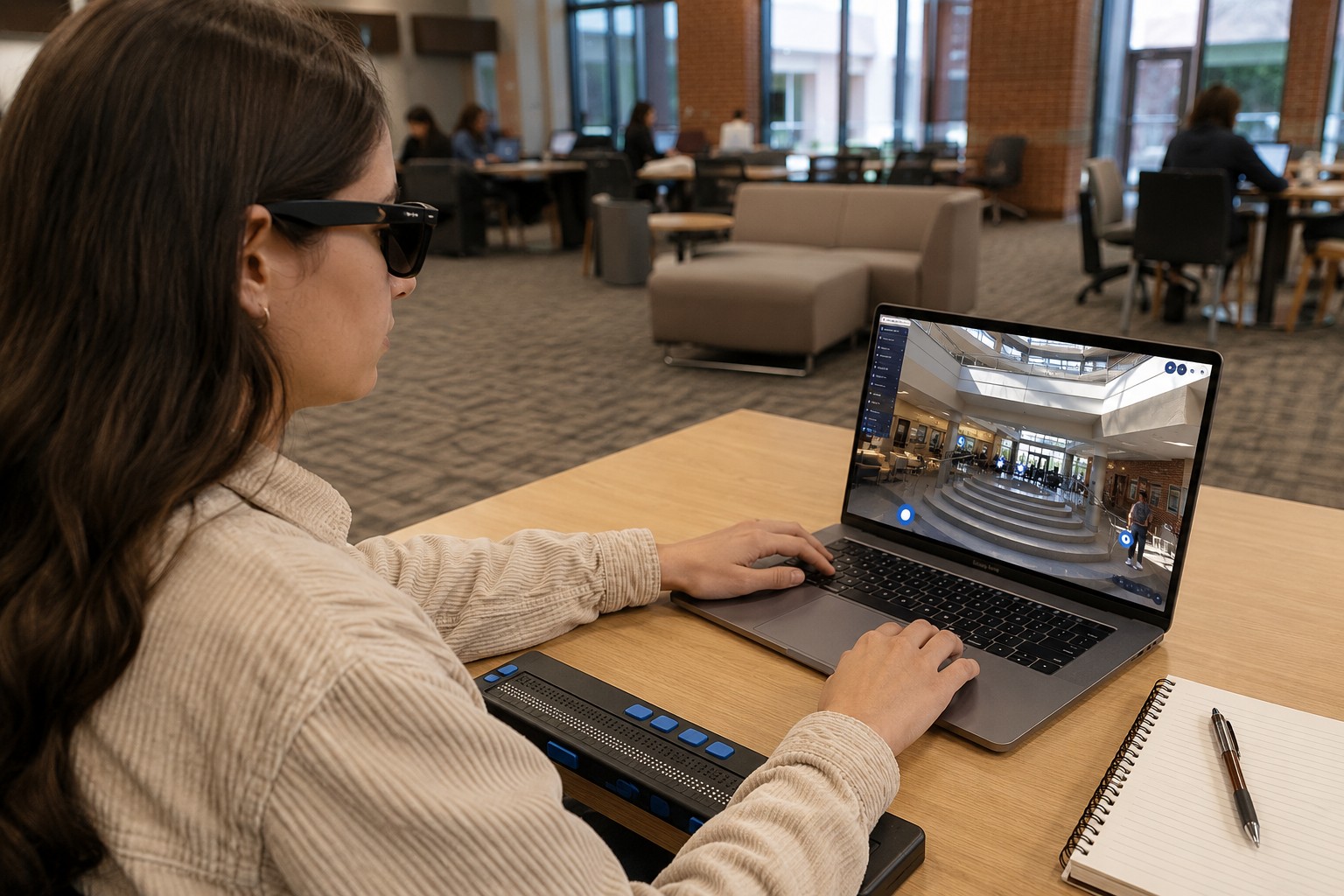
Screen readers convert digital content into speech or braille output, allowing users with visual impairments to navigate websites and interactive experiences.
For a virtual tour to work effectively with screen readers, important elements should include meaningful labels and descriptions rather than relying solely on images or icons.
Accessibility also depends on logical navigation, properly identified controls, and content that can be interpreted by assistive technologies.
What Challenges Do Students Face Without Screen Reader Accessibility?
A virtual campus tour may contain valuable information, but accessibility barriers can prevent some students from accessing it.
Common challenges include:
- Unlabeled buttons and navigation controls
- Images without descriptive alternative text
- Interactive features that cannot be interpreted by assistive technology
- Multimedia without accessible descriptions
These issues can make it difficult to independently explore campus spaces or understand how facilities are organized.
Reviewing virtual tours for accessibility helps reduce these barriers.
How Does Screen Reader Accessibility Improve the Student Experience?
Accessible virtual tours provide a more inclusive way to explore campus environments.
Students can:
- Navigate digital content more independently
- Learn about academic and student facilities
- Understand campus layouts more clearly
- Access information without depending on another person
This creates a more consistent digital experience for students using assistive technologies.
Which Campus Areas Benefit Most From Accessible Virtual Tours?
Students often want to explore more than classrooms before making enrollment decisions.
Accessible virtual tours can improve access to information about:
- Academic buildings
- Libraries
- Residence halls
- Student centers
- Laboratories
- Recreational facilities
- Accessibility services
- Outdoor campus spaces
Providing accessible descriptions of these locations helps students understand available resources before arriving on campus.
What Features Support Screen Reader Accessibility?
Screen reader accessibility depends on how a virtual tour is designed rather than the type of institution using it.
Helpful accessibility features may include:
- Alternative text for meaningful images
- Clearly labeled navigation controls
- Keyboard-accessible navigation
- Logical page structure
- Descriptive headings
- Captions and transcripts for multimedia
- Consistent interface elements
These features support users who rely on assistive technologies while also improving navigation for many other visitors.
How Does Screen Reader Accessibility Support Inclusive Higher Education?
Inclusive digital experiences begin before students submit an application.
When campus information is accessible online, universities help ensure that prospective students can research academic programs, student services, and campus facilities using the same digital resources available to others.
Accessible virtual tours contribute to broader institutional efforts to reduce barriers and improve equal access to information throughout the student journey.
Common Misunderstandings About Screen Reader Accessible Virtual Tours
Screen readers only read text.
Modern screen readers also interpret navigation elements, headings, form controls, and other structured content when these components are properly implemented.
Alternative text alone makes a virtual tour accessible.
Alternative text is only one part of accessibility. Navigation, keyboard support, page structure, and multimedia accessibility are also important.
Screen reader accessibility only benefits students with visual impairments.
Many accessibility improvements improve usability for a wider range of users, including those using keyboards, mobile devices, or other assistive technologies.
Accessibility can be added after a virtual tour is complete.
Accessibility is generally more effective when considered during planning, design, and ongoing maintenance rather than as a final adjustment.
FAQs
It is a virtual tour designed so that screen reader software can interpret and communicate its content to users.
Students who use assistive technologies benefit directly, while many accessibility improvements also enhance usability for other visitors.
Yes, provided the virtual tour is designed with compatible navigation, labels, and accessible content.
No. Both features support different accessibility needs and often work together.
Accessible digital experiences help ensure that students can independently access campus information and participate more equally in the admissions process.
Conclusion
Screen reader accessible virtual tours play an important role in creating more inclusive digital experiences for prospective and current students.
By supporting assistive technologies, providing meaningful descriptions, and enabling accessible navigation, universities can make campus information available to a broader audience. As digital campus exploration continues to grow, accessibility remains an essential consideration for delivering equitable access to educational information and improving the overall student experience.
I have a virtual tour on my website and would like an audit.
I don't have a virtual tour yet, would love a demo to see how it works.