







I have a virtual tour on my website and would like an audit.

I don't have a virtual tour yet, would love a demo to see how it works.

Captions, transcripts, and alt text make virtual campus tours more accessible by providing alternatives to visual and audio information. Captions support visitors who cannot hear narration, transcripts make spoken content available in text form, and alt text helps people using screen readers understand meaningful images and interface elements.
How Do Captions Improve Accessibility in Virtual Campus Tours?
Virtual campus tours often rely on narrated videos, student testimonials, faculty introductions, or audio descriptions to communicate information. When that information is available only through sound, visitors who are Deaf, hard of hearing, or unable to play audio may miss important details.
Captions convert spoken dialogue and meaningful audio information into synchronized text displayed with the media. This allows visitors to follow narration while watching a campus video or moving through a multimedia tour.
Effective captions should represent more than spoken words when other sounds contribute meaning. For example, relevant audio cues such as applause, music, or an announcement may need to be identified when they affect understanding.
Universities should also review automatically generated captions before publication. Automated speech recognition can misinterpret building names, academic terminology, faculty names, acronyms, and technical language. Accurate captioning requires proofreading for spelling, punctuation, timing, and speaker identification where necessary.
Captions also support visitors who are viewing a tour in noisy environments, browsing without headphones, or processing written information more easily than spoken narration.
Why Are Transcripts Important for Accessible Campus Tour Content?
Captions are useful while media is playing, but they do not always provide the easiest way to review or navigate longer pieces of information.
A transcript presents the spoken information from a video, audio recording, or narrated tour segment as readable text. This gives visitors another way to access the same information without depending on playback.
For example, a video describing residence halls might discuss room configurations, dining access, accessibility features, and nearby facilities. A transcript allows those details to be reviewed independently of the video.
Transcripts can be particularly useful for people using assistive technologies, visitors with cognitive or processing differences, and anyone who needs to search for a specific piece of information.
A useful transcript should accurately reflect the meaningful spoken content. When important visual information appears without narration, the transcript may also need brief descriptions so that the text provides equivalent context.
Transcripts should be placed close to the relevant media or made easy to locate through a clearly identified control or link.
How Does Alt Text Help People Navigate Virtual Campus Tours?
Campus tours frequently contain photographs, panoramic scenes, maps, icons, building thumbnails, and other visual elements. When these elements communicate information without a text alternative, visitors using screen readers may not receive the same context.
Alt text provides a concise textual description of the purpose or meaning of an image.
For example, a meaningful photograph showing an accessible entrance to a science building may require alt text explaining that information. A decorative background image that does not contribute useful information generally should not receive a detailed description.
The goal is not to describe every visible object. Alt text should communicate the information a visitor needs in order to understand why the image is present.
Interactive elements require particular attention. If an image, icon, or hotspot functions as a button or navigation control, its accessible name should describe the action or destination rather than its appearance alone.
Descriptions such as “image,” “photo,” or “click here” provide little useful context. More specific language helps assistive technology users understand both content and functionality.
Do Captions, Transcripts, and Alt Text Solve the Same Accessibility Problem?
No. Each format addresses a different accessibility requirement.
Captions provide synchronized access to spoken and meaningful audio content while media is playing. Transcripts provide a separate text version that can be read, searched, copied, or reviewed independently. Alt text communicates the meaning or function of relevant images and graphical elements.
Using one does not automatically replace the need for another.
For example, adding captions to a narrated campus video does not make an interactive campus map understandable to a screen reader. Similarly, providing alt text for photographs does not make an uncaptioned student interview accessible to someone who cannot hear it.
An accessible virtual campus tour typically requires several complementary techniques rather than a single accessibility feature.
What Should Universities Avoid When Adding Accessible Content?
A common misconception is that automatically generated accessibility content is sufficient without human review.
Automatic captions can contain significant errors, particularly with university-specific terminology. Machine-generated image descriptions may focus on objects that are visually prominent while overlooking the information that actually matters to the visitor.
Another mistake is writing excessively long alt text for every image. Decorative images do not need detailed descriptions, while complex information such as charts, maps, or diagrams may require a separate extended description rather than an overloaded alt attribute.
Universities should also avoid placing important information only inside images. Building names, directions, accessibility information, academic details, and navigation instructions should remain available as readable text whenever possible.
Accessibility should also be evaluated across the complete experience. Accurate captions provide limited benefit if video controls cannot be operated with a keyboard, and strong alt text cannot compensate for an interface that a screen reader cannot navigate.
How Can Universities Review Captions, Transcripts, and Alt Text?
Accessibility review should examine both technical presence and practical usefulness.
Captions should be checked against the actual audio for accuracy, synchronization, punctuation, and meaningful sound identification. Transcripts should be compared with the media to confirm that important information has not been omitted.
Alt text should be reviewed in context. The key question is whether someone who cannot see the image would receive the information needed to understand its purpose.
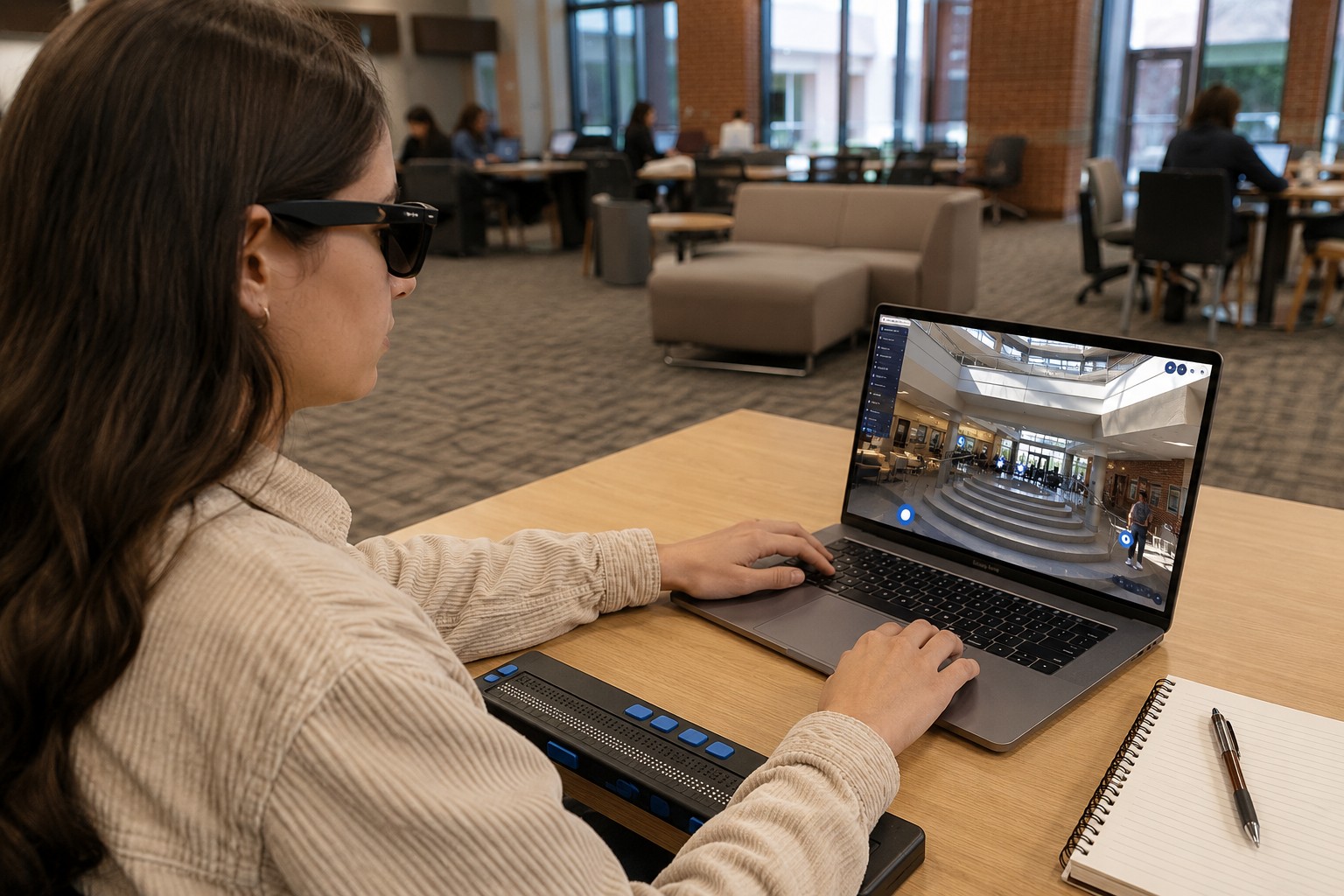
Screen-reader testing and keyboard-only navigation can also reveal problems that are difficult to identify through visual inspection alone.
Periodic reviews are important because campus tours change. New buildings, videos, maps, photographs, and interactive elements can introduce new accessibility issues even when the original tour was properly evaluated.
FAQs
Captions and transcripts serve different purposes, so a transcript does not automatically provide the synchronized access to audio that captions provide.
No, meaningful images generally need appropriate text alternatives, while purely decorative images should normally be ignored by assistive technologies.
Automatic captions can provide a starting point, but they should be reviewed and corrected for accuracy before being relied upon for accessible content.
Alt text should communicate the meaningful information or function of an image rather than attempting to describe every visual detail.
When important information is communicated visually but not through the audio, a transcript or accompanying description may need to include that context so the information is not lost.
I have a virtual tour on my website and would like an audit.
I don't have a virtual tour yet, would love a demo to see how it works.