







I have a virtual tour on my website and would like an audit.

I don't have a virtual tour yet, would love a demo to see how it works.

Virtual tours have become an important part of how schools, colleges, and universities introduce their campuses to prospective students, families, and visitors. They allow people to explore classrooms, residence halls, libraries, athletic facilities, and other spaces regardless of where they live or whether they can visit in person.
As institutions increasingly rely on digital experiences, a common question arises: Do virtual tours need to be ADA compliant?
The answer is more nuanced than a simple yes or no. A virtual tour is part of an institution’s digital experience, and if that experience creates barriers for people with disabilities, it may prevent equal access to information that others can easily obtain. Accessibility is therefore both a legal consideration and an important part of creating an inclusive campus experience.
This guide explains how ADA compliance relates to virtual tours, what accessibility means in practice, and how educational institutions can build immersive experiences that are useful for everyone.
Key Takeaways
- ADA compliance extends beyond physical campuses to many digital experiences.
- Virtual tours should be designed so people with different abilities can access information independently.
- Accessibility improves usability for all visitors—not only those with disabilities.
- Inclusive virtual tours support transparency, trust, and informed decision-making before a campus visit.
- Accessible design is most effective when considered during planning rather than added afterward.
Why This Topic Matters?
A virtual tour is often someone’s first interaction with a campus. For many prospective students, especially those living far away or those with mobility, visual, hearing, or cognitive disabilities, it may also be the most important interaction before deciding whether to apply.
Unlike brochures or image galleries, virtual tours allow visitors to understand how spaces connect, how buildings are organized, and what the campus environment actually feels like. This supports better spatial understanding and helps reduce uncertainty throughout the enrollment journey.
Accessibility ensures that these benefits are available to everyone.
When digital experiences exclude certain users—for example, someone using a screen reader or someone who cannot operate a mouse—they create barriers that may prevent equal participation. An accessible virtual tour focuses on removing those barriers while preserving the immersive nature of the experience.
Ultimately, accessibility is about making exploration possible regardless of someone’s physical abilities, technology, or location.
What Does ADA Compliance Mean for Virtual Tours?
The Americans with Disabilities Act (ADA) requires many organizations, including educational institutions, to provide equal access to their services and information.
While the ADA does not specifically mention “virtual tours,” digital experiences offered through an institution’s website increasingly fall within broader accessibility expectations. Public colleges and universities, in particular, are subject to federal accessibility requirements for web content, while private institutions also have responsibilities under applicable ADA provisions.
For virtual tours, ADA compliance generally means ensuring that users with disabilities can:
- Navigate the experience independently
- Understand the information being presented
- Access multimedia content
- Interact without unnecessary barriers
Rather than asking whether the tour itself is legally required, many institutions now ask a more practical question:
Can everyone meaningfully use this experience?
That mindset leads to stronger accessibility outcomes.
Why Accessibility Matters Beyond Legal Compliance
Many people associate accessibility only with legal obligations.
In reality, accessible virtual tours improve the overall user experience for everyone.
Consider a prospective student who:
- Cannot travel internationally before applying.
- Has temporary mobility limitations.
- Uses a screen reader.
- Relies on captions because they’re watching in a noisy environment.
- Needs extra time to explore spaces independently.
Each visitor benefits from having greater control over how they experience the campus.
Accessible virtual tours allow users to move through spaces at their own pace, revisit important areas, and explore without feeling rushed by a scheduled campus tour. This flexibility supports more confident decision-making while making institutions more welcoming to a broader audience.
Common Accessibility Features in Virtual Tours
Accessibility is not achieved through a single feature. Instead, it results from multiple design choices working together.
Keyboard Navigation
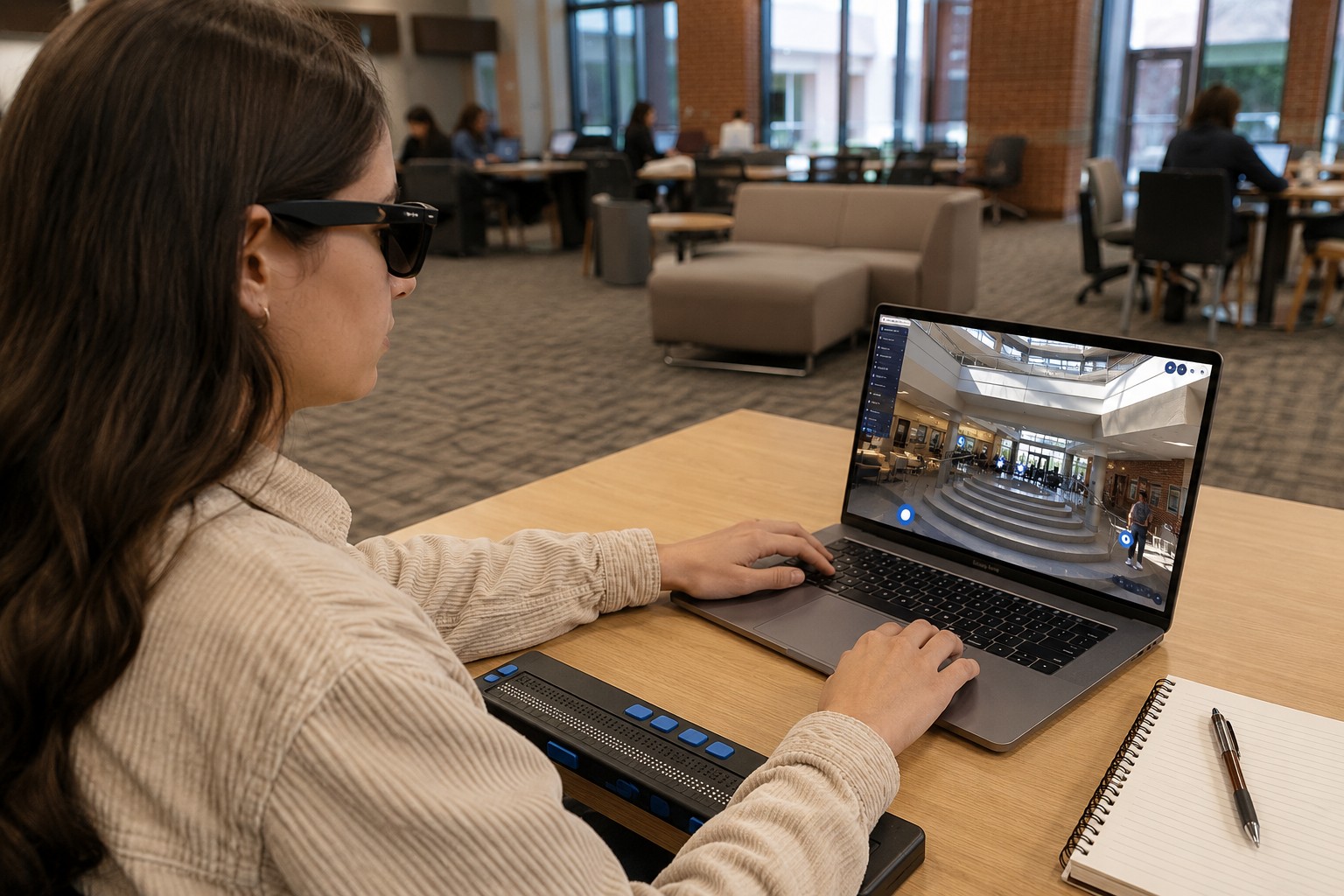
Some users cannot operate a mouse and instead navigate entirely with a keyboard or adaptive technology.
An accessible virtual tour should allow movement, menu selection, and interaction without requiring mouse input.
Screen Reader Compatibility
Visitors who are blind or have low vision often use screen readers.
Interactive menus, navigation controls, and descriptive labels should be structured so assistive technologies can communicate the experience effectively.
Alternative Text for Visual Content
Many virtual tours include hotspots, floor plans, icons, or interactive graphics.
These elements should include meaningful descriptions so users who cannot see them still understand what information is being presented.
Captions and Transcripts
If the tour contains narration or embedded videos, captions and transcripts help ensure the content remains accessible to visitors who are deaf or hard of hearing.
They also benefit users viewing content in quiet public spaces or noisy environments.
Clear Navigation
Accessibility also includes reducing confusion.
Simple menus, consistent navigation, logical organization, and clear instructions help users with cognitive disabilities while improving usability for everyone.
How Accessible Virtual Tours Improve Campus Exploration
Accessibility changes how people experience a campus—not just whether they can access it.
Instead of simply viewing photographs, prospective students can understand:
- How academic buildings connect
- Where student services are located
- The layout of residence halls
- Routes between facilities
- Overall campus organization
This creates a more realistic understanding of the environment before arriving on campus.
For students with mobility considerations, this information may help them identify accessible routes, understand distances between buildings, or prepare questions before visiting in person.
Virtual Tours vs Photos for Accessibility
Photos Show Individual Spaces
A photograph captures a single moment from one angle.
It may show a classroom or laboratory, but it doesn’t explain how that space connects to the rest of the campus.
Virtual Tours Show Relationships Between Spaces
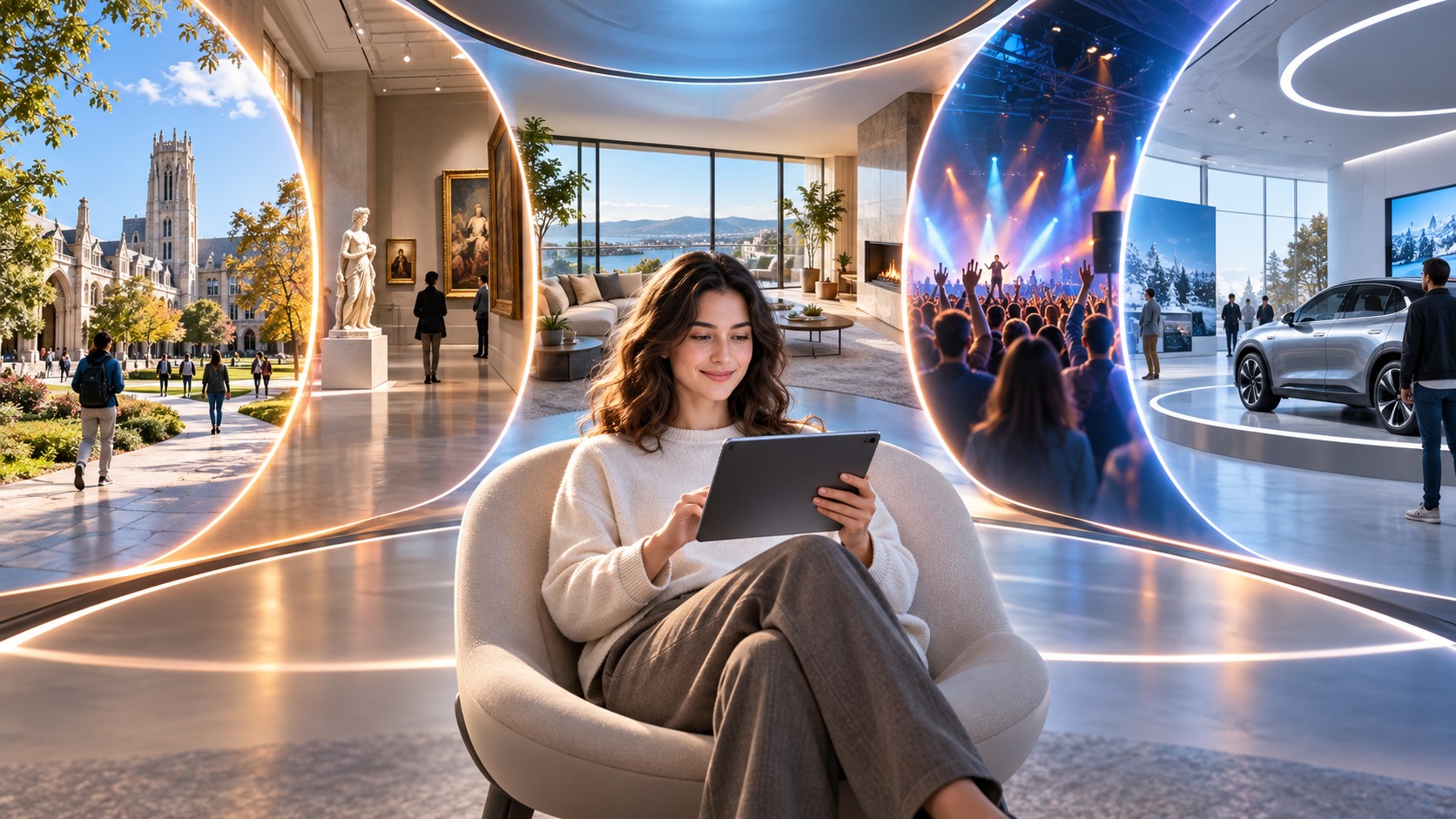
Virtual tours allow users to navigate naturally between locations.
Instead of viewing disconnected images, visitors understand orientation, movement, and spatial relationships.
For users making important enrollment decisions, this additional context reduces uncertainty and improves confidence.
Accessibility features make this exploration available to a wider range of users rather than limiting it to those who can easily interact with traditional web content.
Virtual Tours vs Video Tours
Videos are excellent for storytelling.
However, they follow a fixed path chosen by the creator.
Viewers cannot pause to explore one room in detail before moving on or choose an entirely different route through campus.
Virtual tours place that control in the visitor’s hands.
Users decide:
- Where to begin
- What to explore
- How long to spend in each location
- Which areas matter most to them
For accessibility, this flexibility is particularly valuable because every user interacts with information differently.
Building Accessibility into the Planning Process
One of the biggest misconceptions is that accessibility can simply be added after a virtual tour is finished.
While improvements can certainly be made later, accessibility is much easier—and often more effective—when considered during planning.
Questions institutions should ask include:
- Will all navigation methods work without a mouse?
- Can multimedia be understood without sound?
- Are interactive elements properly labeled?
- Can users complete the experience independently?
- Does the design remain clear on desktop and mobile devices?
Planning around these questions results in experiences that are easier to maintain and more inclusive over time.
Accessibility Supports Institutional Trust
Prospective students evaluate more than academic programs.
They also evaluate whether an institution appears welcoming, transparent, and prepared to support diverse student needs.
An accessible virtual tour communicates that the institution has considered different ways people experience digital environments.
Rather than forcing every visitor through the same experience, it allows individuals to engage with campus information in the way that works best for them.
That level of consideration builds confidence long before an application is submitted.
Related Resources
To learn more about how immersive experiences support education, explore:
- Benefits of Virtual Tours for Schools, Colleges, and Universities
- How Virtual Tours Improve Accessibility for University Campuses
- Can Virtual Campus Tours Be Used for Student Orientation?
- How Do Virtual Tours Support Remote Learning and Hybrid Models?
These topics provide additional insight into how virtual tours improve accessibility, recruitment, orientation, and student engagement throughout the educational journey.
FAQs
Virtual tours themselves are not specifically named in the ADA, but because they are part of an institution’s digital presence, they should be designed to provide accessible access to information and comply with applicable accessibility requirements.
Many organizations follow the Web Content Accessibility Guidelines (WCAG), which provide widely recognized standards for creating accessible websites and digital content.
No. Virtual tours complement physical visits by helping prospective students understand the campus before arriving and revisit important spaces afterward.
Students with disabilities, international applicants, remote learners, parents, alumni, visitors, and anyone who prefers exploring a campus online before visiting in person.
Yes. Features like clear navigation, captions, keyboard controls, and logical organization make virtual tours easier for everyone to use, regardless of ability or device.
Final Thoughts
Virtual tours are becoming a central part of how educational institutions present their campuses to prospective students and visitors. As these experiences become more important, accessibility becomes equally important.
Rather than viewing ADA compliance as simply a regulatory requirement, institutions can see it as an opportunity to create digital experiences that are more inclusive, informative, and easier to navigate for everyone.
An accessible virtual tour does more than showcase buildings. It removes barriers, supports independent exploration, and helps every visitor develop a clearer understanding of the campus before they ever set foot on it. Over time, this commitment to accessibility strengthens transparency, builds trust, and ensures that immersive digital experiences serve the broadest possible audience.
I have a virtual tour on my website and would like an audit.
I don't have a virtual tour yet, would love a demo to see how it works.