







I have a virtual tour on my website and would like an audit.

I don't have a virtual tour yet, would love a demo to see how it works.

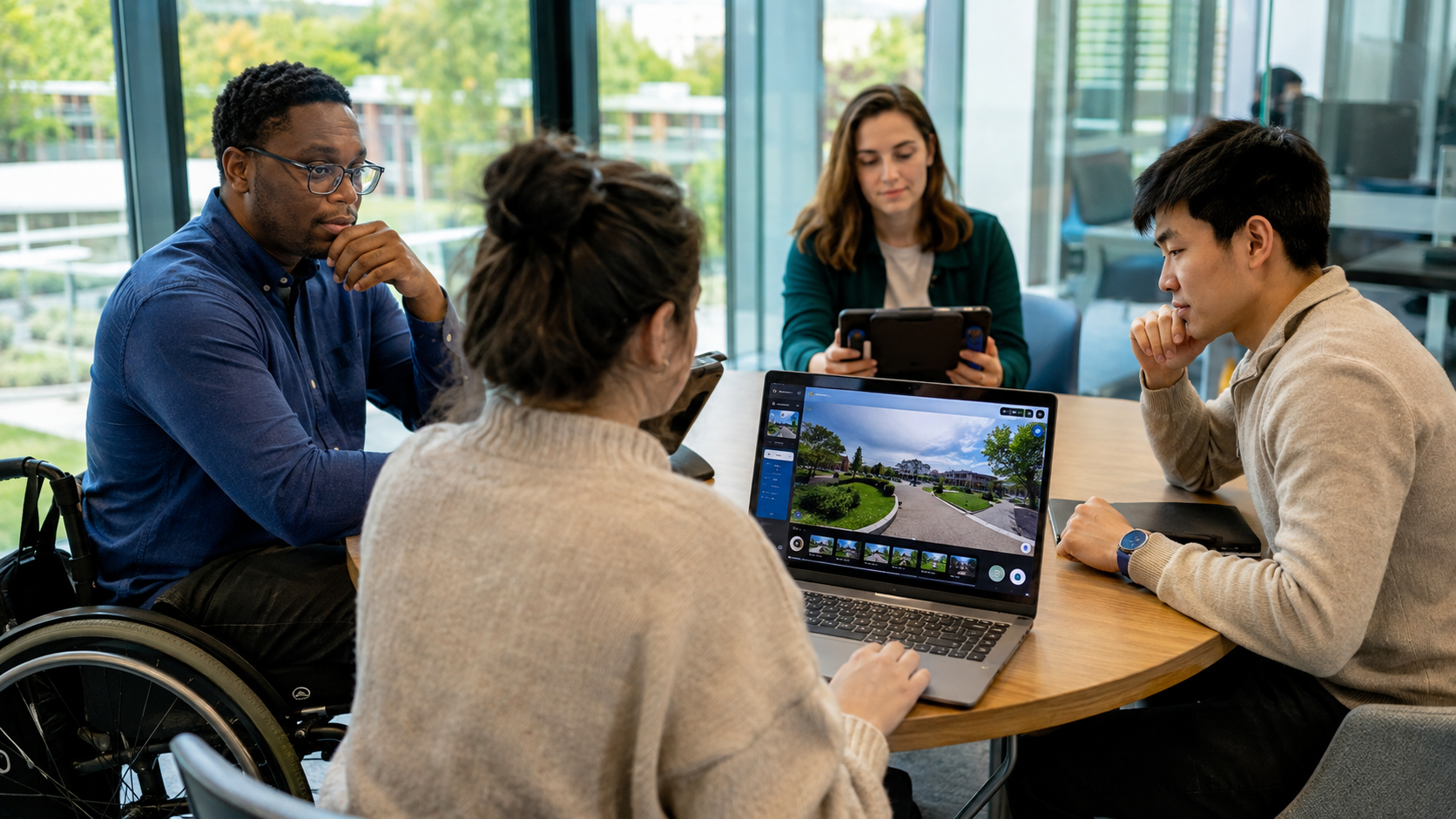
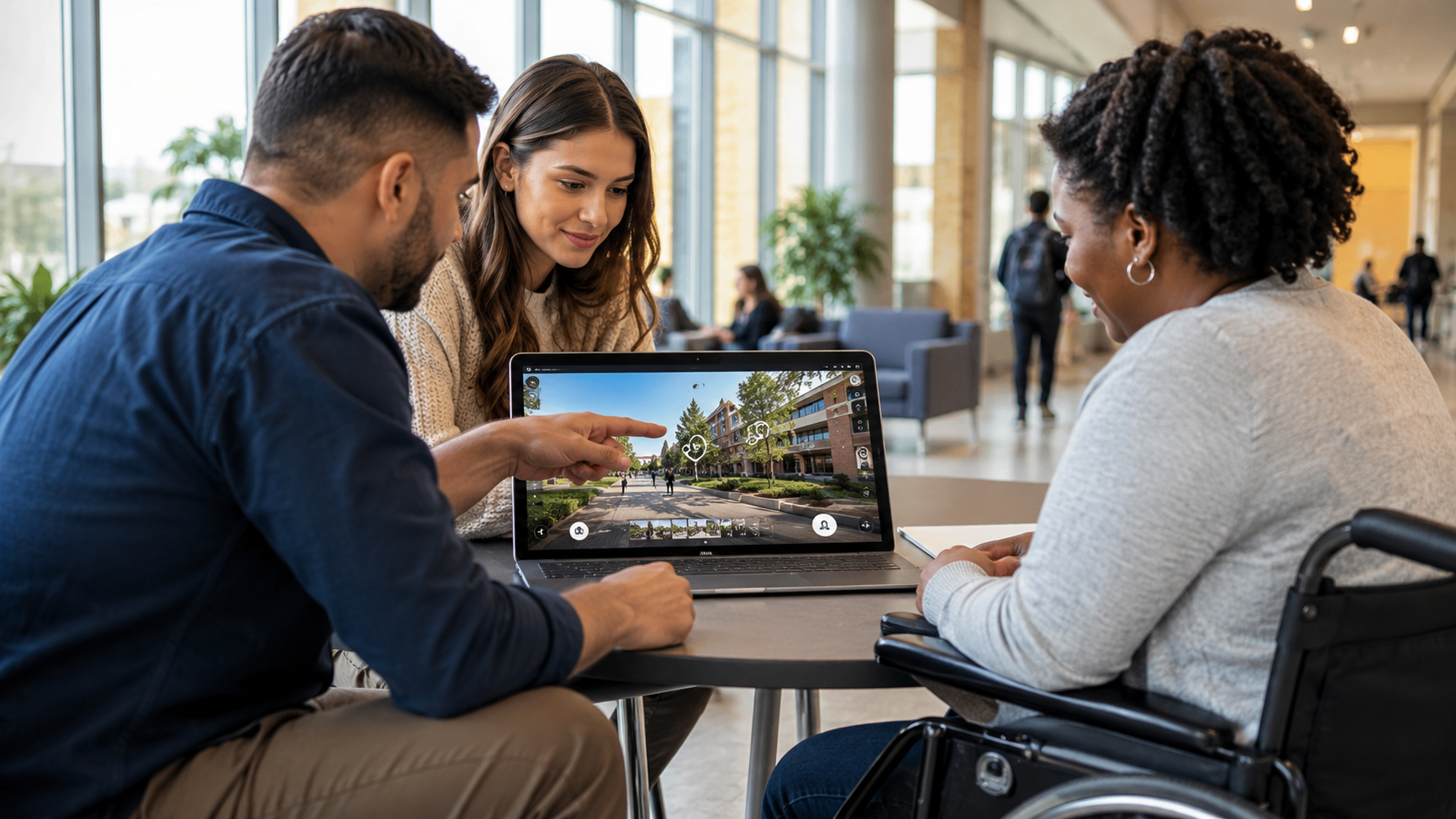
Virtual tours have become an essential way for schools, colleges, universities, and other organizations to present their spaces online. Whether someone is exploring a campus from another country, planning an in-person visit, or comparing educational institutions, an interactive virtual tour provides a level of spatial understanding that static media cannot.
However, a virtual tour is only truly effective if everyone can use it.
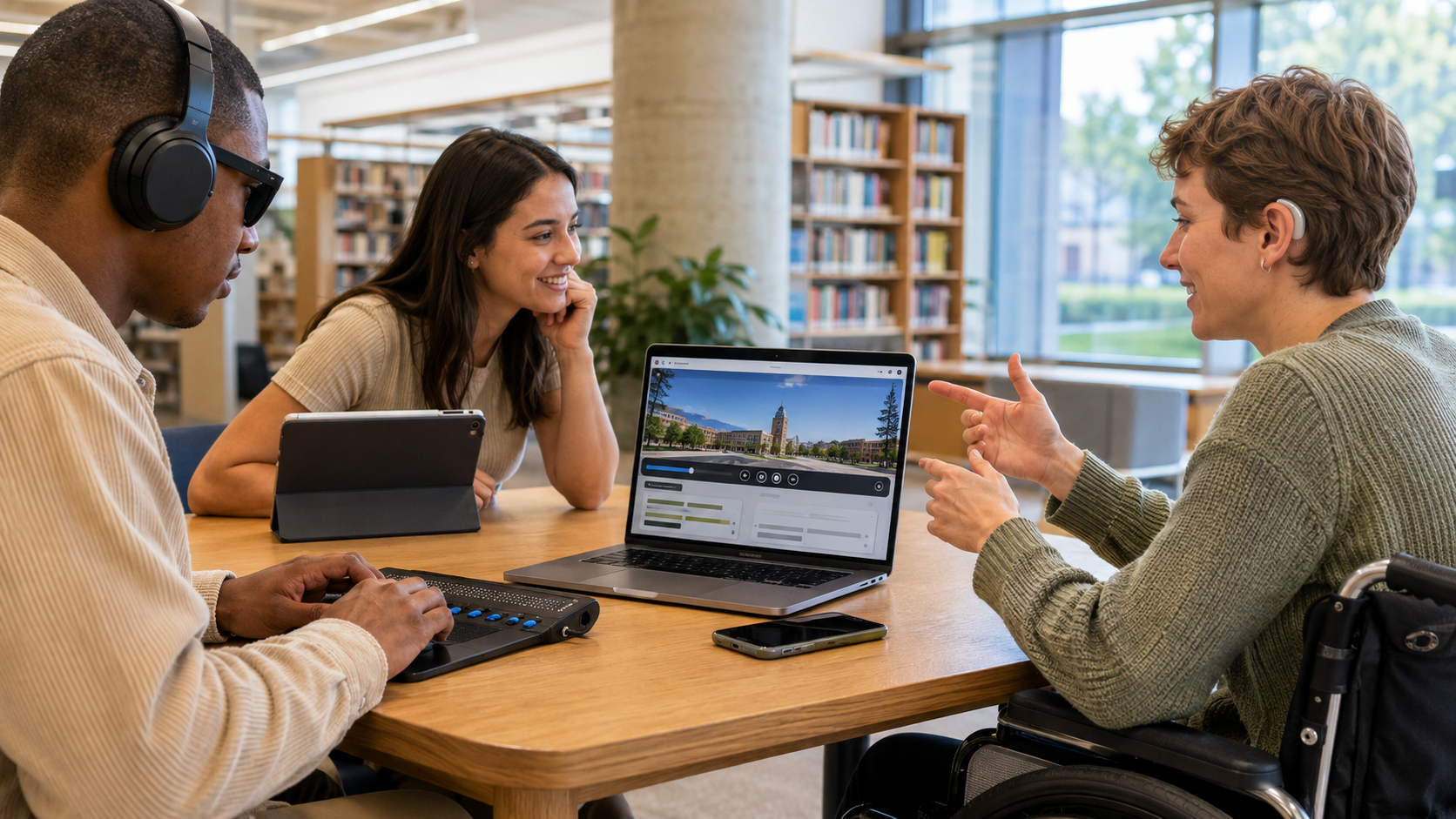
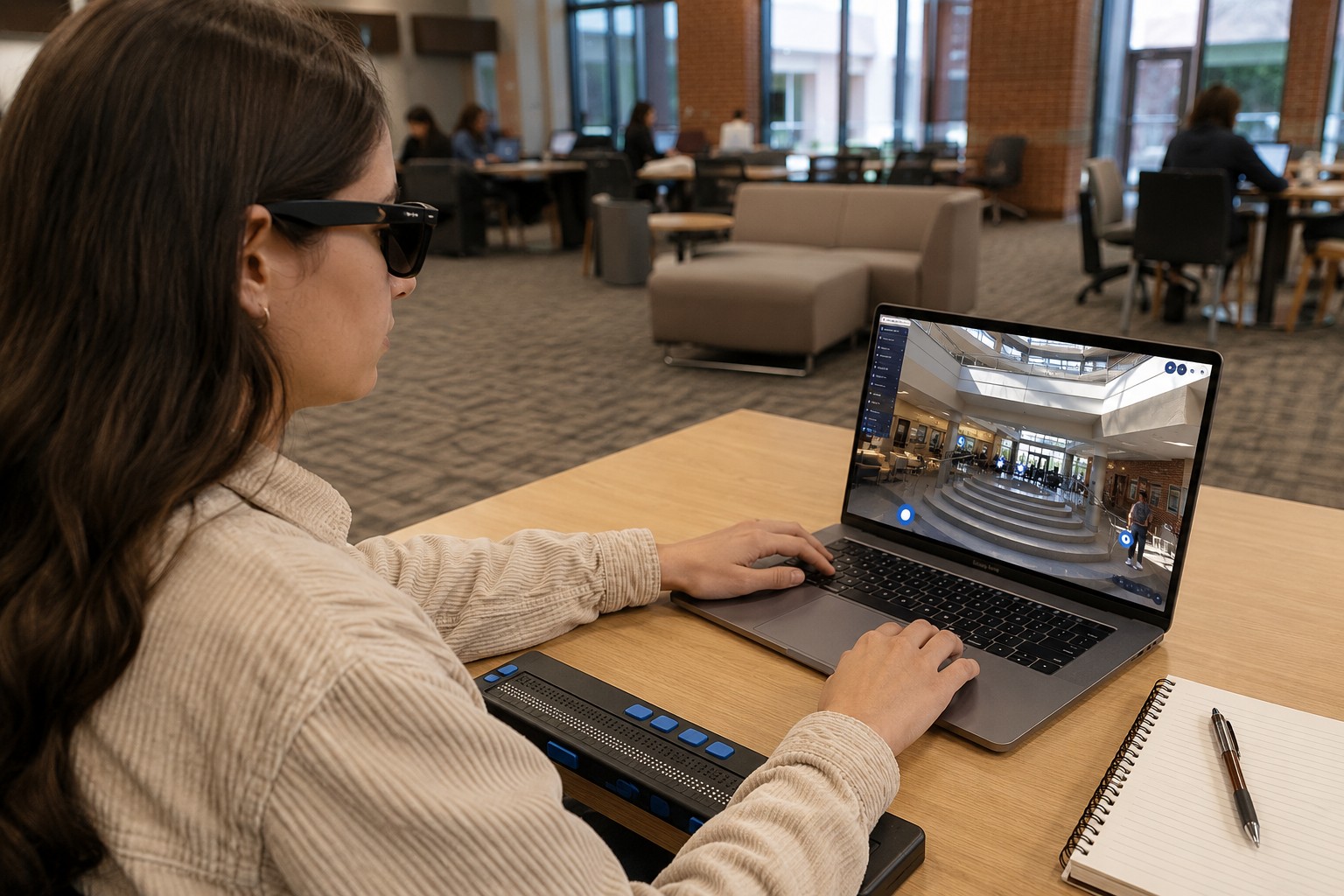
For students using screen readers, visitors navigating with only a keyboard, people with low vision, or individuals with cognitive disabilities, a visually impressive tour may still be impossible to access if accessibility has not been considered during design and development.
This is where WCAG 2.1 AA compliance becomes important.
Rather than focusing solely on appearance, WCAG 2.1 AA establishes practical standards that help ensure digital experiences—including interactive virtual tours—are usable by people with a wide range of abilities. For educational institutions especially, accessibility supports inclusion, equal access to information, and a more transparent admissions experience. WCAG 2.1 AA is also the technical accessibility standard adopted for many public-sector digital services under recent ADA Title II regulations.
This guide explains what makes a virtual tour WCAG 2.1 AA compliant, why it matters, and what institutions should look for when evaluating an accessible immersive experience.
Key Takeaways
- WCAG 2.1 AA focuses on making digital experiences usable for people with diverse abilities.
- Accessibility extends beyond website pages—it also applies to interactive virtual tours.
- Keyboard navigation, screen reader support, captions, color contrast, and accessible controls all contribute to compliance.
- Accessible virtual tours help educational institutions create more inclusive and transparent digital experiences.
- Compliance is an ongoing design process rather than a single feature or certification.
Why This Topic Matters?
Virtual tours help people understand places before they visit them. They allow prospective students to explore classrooms, libraries, laboratories, residence halls, athletic facilities, and other campus environments from virtually anywhere.
For many users, these experiences remove barriers related to distance, travel costs, scheduling, or mobility. They also help visitors develop a realistic understanding of how spaces connect, something traditional photos often cannot communicate. Mass Interact highlights that immersive 360° experiences allow prospective students to better “see and feel” a campus while improving remote exploration and engagement.
Accessibility extends that same opportunity to people who rely on assistive technologies.
Without accessible navigation, meaningful text alternatives, or proper interaction design, a virtual tour may unintentionally exclude the very audiences it aims to serve.
Accessible virtual tours therefore support more than compliance—they strengthen inclusion, improve clarity, and ensure equal access to information.
What Is WCAG 2.1 AA?
The Web Content Accessibility Guidelines (WCAG) 2.1 are internationally recognized standards developed by the World Wide Web Consortium (W3C) for making digital content accessible.
Level AA represents the accessibility level most commonly required by organizations because it balances usability with practical implementation.
WCAG is built around four core principles. Digital experiences should be:
- Perceivable
- Operable
- Understandable
- Robust
Together, these principles help ensure websites, applications, and interactive experiences work for users with visual, auditory, physical, speech, cognitive, and neurological disabilities.
For virtual tours, these principles influence every interaction—from entering the tour to exploring rooms and accessing embedded information.
How Accessibility Applies to Virtual Tours
Unlike traditional webpages, virtual tours combine panoramic imagery, navigation controls, multimedia content, interactive hotspots, and movement through digital spaces.
This creates unique accessibility challenges.
A visitor should be able to:
- Navigate independently
- Understand where they are
- Access the same information regardless of ability
- Interact without unnecessary barriers
Accessibility therefore involves both the surrounding webpage and the virtual tour interface itself.
Essential Features of a WCAG 2.1 AA Compliant Virtual Tour
Keyboard Navigation
Many users cannot operate a mouse.
A compliant virtual tour should allow visitors to move through the experience using only a keyboard.
This includes:
- Opening the tour
- Moving between hotspots
- Accessing menus
- Controlling multimedia
- Closing dialogs or popups
Every interactive element should receive visible keyboard focus so users always know where they are.
Screen Reader Compatibility
Visitors using screen readers need meaningful descriptions instead of visual information alone.
Interactive controls should include accessible labels.
Hotspots should communicate their purpose clearly.
Instead of hearing:
“Button 5”
A screen reader should announce something like:
“Enter Science Laboratory”
This allows users to understand the environment without relying solely on visuals.
Alternative Text for Images and Graphics
Virtual tours frequently include:
- Campus maps
- Icons
- Floor plans
- Directional graphics
- Information panels
These visual elements should include descriptive alternative text so assistive technologies can communicate their purpose.
The goal is not to describe every pixel but to provide equivalent information.
Sufficient Color Contrast
Many virtual tours use overlays, navigation menus, labels, and buttons placed directly on panoramic imagery.
Poor contrast can make controls difficult to read.
WCAG 2.1 AA requires sufficient contrast between text and background so users with low vision can easily identify interface elements.
This often affects:
- Navigation menus
- Hotspot labels
- Information panels
- Buttons
- Direction arrows
Captions and Transcripts
Many educational virtual tours include:
- Welcome videos
- Student testimonials
- Faculty introductions
- Narrated walkthroughs
If audio is included, captions should be provided.
If important information exists only in narration, transcripts offer another accessible option.
This benefits users who are deaf or hard of hearing while also improving usability in quiet environments or when audio cannot be played.
Clear Navigation
Virtual tours should never leave visitors wondering:
“Where am I?”
Good accessibility includes:
- Consistent controls
- Predictable movement
- Logical progression between locations
- Clear orientation
Educational campuses can be large and complex.
Accessible navigation helps visitors understand how spaces relate to one another rather than becoming lost inside the experience.
Accessible Hotspots
Interactive hotspots often reveal:
- Room information
- Videos
- Images
- Documents
- Admissions content
Each hotspot should be easy to identify, activate, and understand.
Users should never need to guess what selecting a hotspot will do.
Responsive Design Across Devices
Students increasingly explore campuses using:
- Smartphones
- Tablets
- Laptops
- Desktop computers
Accessible virtual tours should maintain usability across different screen sizes while preserving navigation and readability.
Mass Interact notes that modern virtual tours are designed for access across mobile and desktop devices, making remote exploration more flexible for prospective students.
Accessibility Is More Than Technical Compliance
Meeting WCAG success criteria is important, but accessibility also depends on the overall user experience.
Consider two virtual tours.
One technically passes accessibility checks but has confusing navigation.
The other provides:
- Clear orientation
- Logical movement
- Simple controls
- Helpful descriptions
The second experience is far more usable.
True accessibility combines technical compliance with thoughtful interaction design.
Virtual Tours vs Traditional Campus Media
Virtual Tours vs Photos
Photos capture individual moments.
Virtual tours show relationships between spaces.
Visitors can understand:
- Building layouts
- Room connections
- Walking paths
- Overall campus flow
This creates stronger spatial understanding before an in-person visit.
Photos remain useful but often require users to mentally reconstruct an environment from separate images.
Virtual Tours vs Videos
Videos guide viewers through a fixed sequence.
Virtual tours allow visitors to choose their own path.
Someone interested in engineering facilities can explore laboratories first.
Another visitor may head directly to residence halls or student centers.
This self-directed exploration supports different priorities while allowing users to spend more time in the areas most relevant to them.
Why Educational Institutions Benefit from Accessible Virtual Tours
Accessibility improves the experience for many different audiences.
These include:
Prospective Students
Students can evaluate campuses regardless of location or physical ability.
Families
Parents gain a better understanding of the learning environment before making travel decisions.
International Applicants
Remote exploration reduces uncertainty during the application process.
Students with Disabilities
Accessible navigation ensures equal opportunity to explore campus spaces independently.
Admissions Teams
An accessible digital experience reflects transparency and supports more informed decision-making during recruitment.
Accessibility Should Be Built Into the Design Process
Many organizations think about accessibility after a virtual tour has already been created.
This often leads to expensive revisions.
Instead, accessibility should be considered during:
- Planning
- Content creation
- Interface design
- Development
- Testing
- Ongoing updates
Because virtual tours evolve over time, accessibility should be maintained as new content, hotspots, videos, and interactive elements are added.
Accessibility is not a one-time project—it is an ongoing commitment to inclusive digital experiences.
FAQs
It means the virtual tour follows recognized accessibility standards that help users with disabilities navigate, understand, and interact with the experience using assistive technologies or alternative input methods.
Yes. A virtual tour can support WCAG 2.1 AA when its interface, navigation, multimedia, and interactive elements are designed and tested for accessibility.
Not everyone uses a mouse. Keyboard accessibility allows users with mobility impairments and many assistive technologies to navigate the tour independently.
Yes. Any important spoken information should be accessible through captions or transcripts so all users receive the same information.
Yes. Clear navigation, readable interfaces, consistent controls, and accessible interaction patterns generally create a better experience for all visitors—not only those with disabilities.
Final Thoughts
Virtual tours have become an important part of how educational institutions communicate their spaces, culture, and learning environments to prospective students and families. Yet the value of these experiences depends on whether everyone can access them.
A WCAG 2.1 AA compliant virtual tour goes beyond immersive visuals. It prioritizes clear navigation, accessible interaction, meaningful content, and inclusive design so users of different abilities can explore with confidence.
As digital accessibility expectations continue to grow, institutions that build accessibility into their virtual experiences are not simply meeting technical standards—they are creating more transparent, welcoming, and equitable ways for people to understand a place before they ever arrive.
I have a virtual tour on my website and would like an audit.
I don't have a virtual tour yet, would love a demo to see how it works.