







I have a virtual tour on my website and would like an audit.

I don't have a virtual tour yet, would love a demo to see how it works.

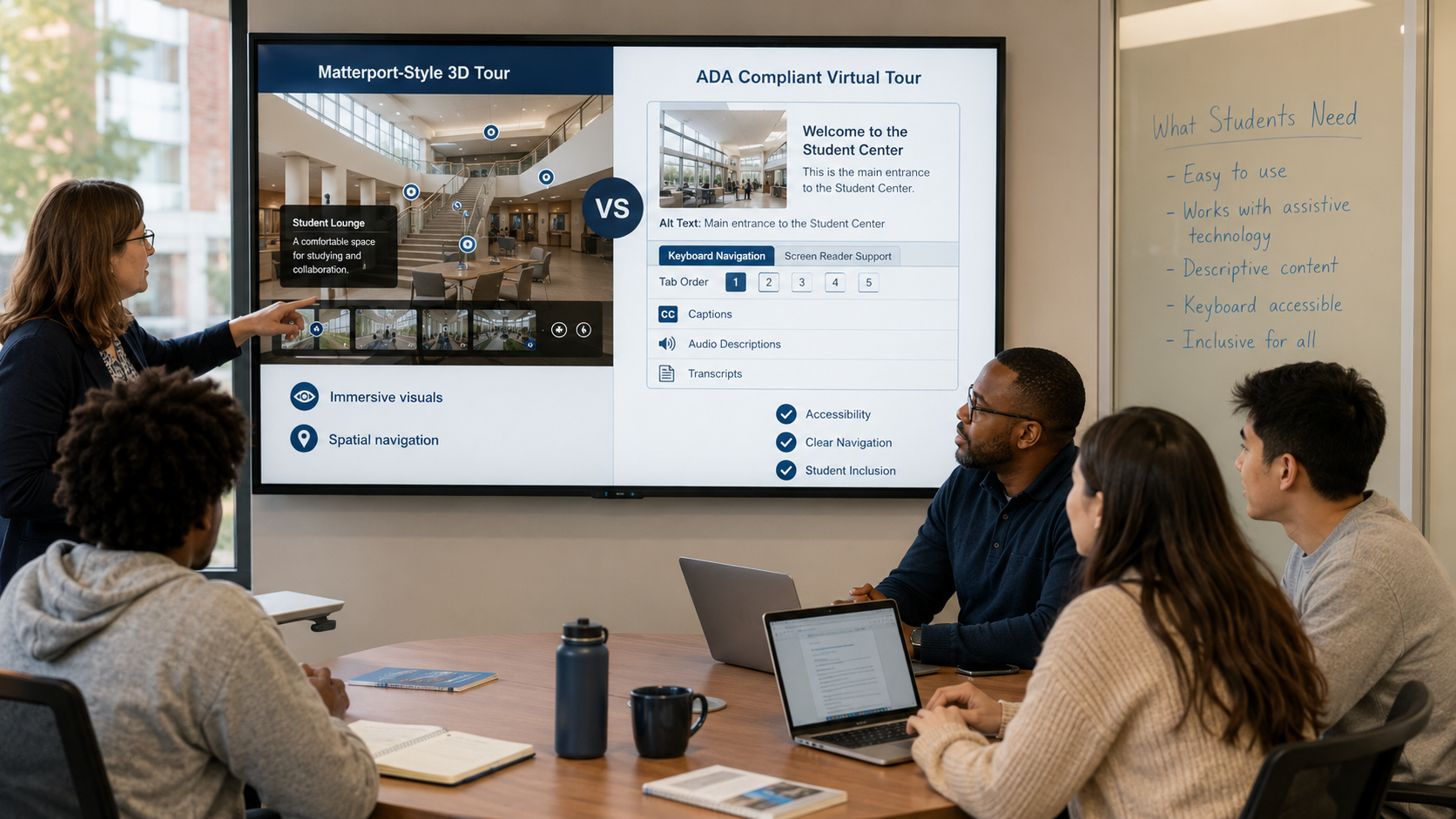
Keyboard navigation is important for accessible virtual campus tours because it allows users to explore interactive content without relying on a mouse or touch screen. It supports students who use keyboards or assistive technologies, improves digital accessibility, and helps virtual tours align with recognized accessibility standards such as WCAG 2.1 Level AA.
What Is Keyboard Navigation?
Keyboard navigation allows users to move through a website or virtual tour using keyboard keys instead of a mouse.
Common keyboard functions include:
- Moving between interactive elements
- Opening menus
- Selecting buttons
- Navigating through tour hotspots
- Accessing multimedia controls
This functionality is essential for users who cannot operate a mouse because of physical, motor, or visual impairments.
Why Do Some Students Rely on Keyboard Navigation?
Not every student interacts with digital content in the same way.
Some individuals use keyboards because they:
- Have limited hand or arm mobility
- Use assistive technologies
- Cannot accurately control a mouse
- Prefer keyboard shortcuts for efficiency
If a virtual campus tour only supports mouse interaction, these users may be unable to explore important campus information independently.
Providing keyboard access helps remove this barrier.
How Does Keyboard Navigation Improve Virtual Campus Tours?
Interactive virtual tours often include clickable hotspots, menus, maps, videos, and information panels.
Without keyboard support, users may be unable to access these features.
Accessible keyboard navigation allows students to:
- Move between interactive locations
- Open information panels
- Access multimedia controls
- Explore campus spaces independently
This creates a more inclusive digital experience while making important information easier to reach.
Which Parts of a Virtual Campus Tour Should Be Keyboard Accessible?
Accessibility should apply throughout the entire virtual experience rather than only to selected features.
Important interactive elements include:
- Navigation menus
- Tour hotspots
- Floor plans
- Building directories
- Campus maps
- Image galleries
- Video players
- Information pop-ups
Each of these features should be reachable and usable through keyboard controls.
How Does Keyboard Navigation Support WCAG Compliance?
The Web Content Accessibility Guidelines (WCAG) 2.1 Level AA identify keyboard accessibility as an important requirement for digital content.
The goal is to ensure that interactive elements can be operated without requiring a mouse.
For virtual campus tours, this means users should be able to navigate between locations, activate controls, and access content using only a keyboard.
Supporting keyboard navigation helps institutions move toward broader digital accessibility objectives.
What Benefits Does Keyboard Accessibility Provide Beyond Compliance?
Although keyboard accessibility is often associated with compliance, its benefits extend beyond meeting technical standards.
Well-designed keyboard navigation can:
- Improve usability for assistive technology users
- Create more predictable navigation
- Support faster interaction for experienced users
- Improve access across different devices and input methods
Many accessibility improvements also enhance the overall user experience for a wider audience.
How Can Universities Evaluate Keyboard Accessibility?
Accessibility reviews should focus on how users interact with the virtual tour rather than only its visual appearance.
Evaluation may include checking whether users can:
- Reach every interactive element
- Clearly identify keyboard focus
- Activate controls without a mouse
- Navigate menus in a logical order
- Exit pop-ups and multimedia using keyboard commands
Regular testing helps identify navigation barriers before they affect prospective students.
Common Misunderstandings About Keyboard Navigation
Keyboard navigation only benefits people with disabilities.
Many users prefer keyboard shortcuts because they provide faster and more efficient navigation, particularly when interacting with large amounts of digital content.
If menus work with a keyboard, the entire virtual tour is accessible.
Every interactive element should be keyboard accessible, including hotspots, maps, videos, forms, and pop-up windows.
Mouse support is enough for digital accessibility.
A mouse-only experience may prevent some users from independently accessing important campus information.
Keyboard accessibility is difficult to add later.
Accessibility is generally easier to implement when considered during the planning and development of a virtual tour rather than after deployment.
FAQs
It allows users to explore and interact with a virtual tour using keyboard controls instead of a mouse.
It enables people who cannot use a mouse to independently access digital campus experiences.
Yes, keyboard operability is an important requirement within WCAG 2.1 Level AA for interactive digital content.
Students using assistive technologies, individuals with motor impairments, and users who prefer keyboard navigation all benefit.
Yes, navigation menus, hotspots, multimedia controls, maps, and other interactive elements should all be operable using a keyboard.
Conclusion
Keyboard navigation is a fundamental component of accessible virtual campus tours because it enables users to interact with digital environments without relying on a mouse. By supporting keyboard controls across navigation menus, interactive hotspots, multimedia, and campus maps, universities can provide more inclusive access to online campus experiences.
As virtual tours become a standard part of admissions and campus engagement, keyboard accessibility helps ensure that students can independently explore university facilities while supporting recognized digital accessibility standards and improving overall usability.
I have a virtual tour on my website and would like an audit.
I don't have a virtual tour yet, would love a demo to see how it works.