







I have a virtual tour on my website and would like an audit.

I don't have a virtual tour yet, would love a demo to see how it works.

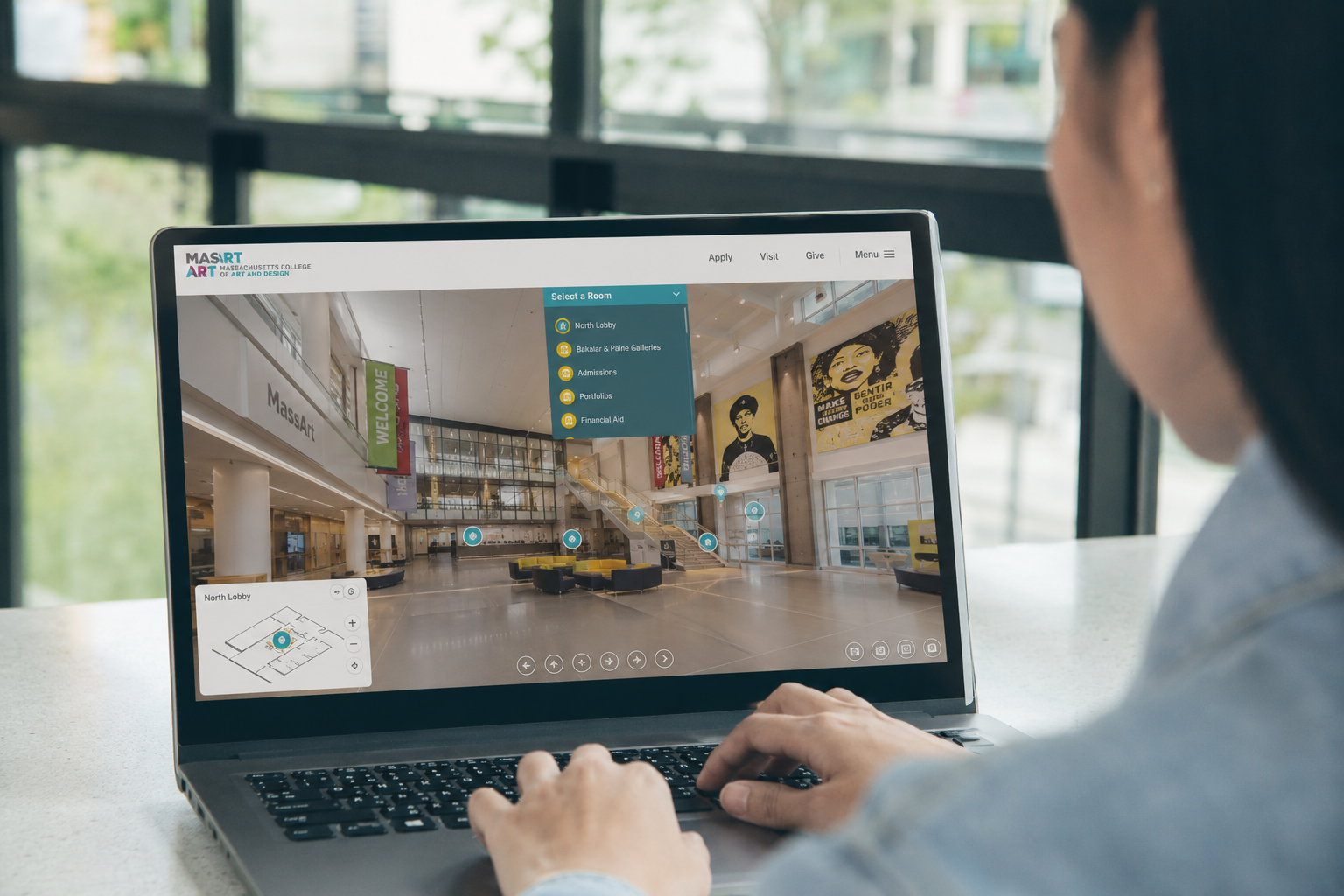
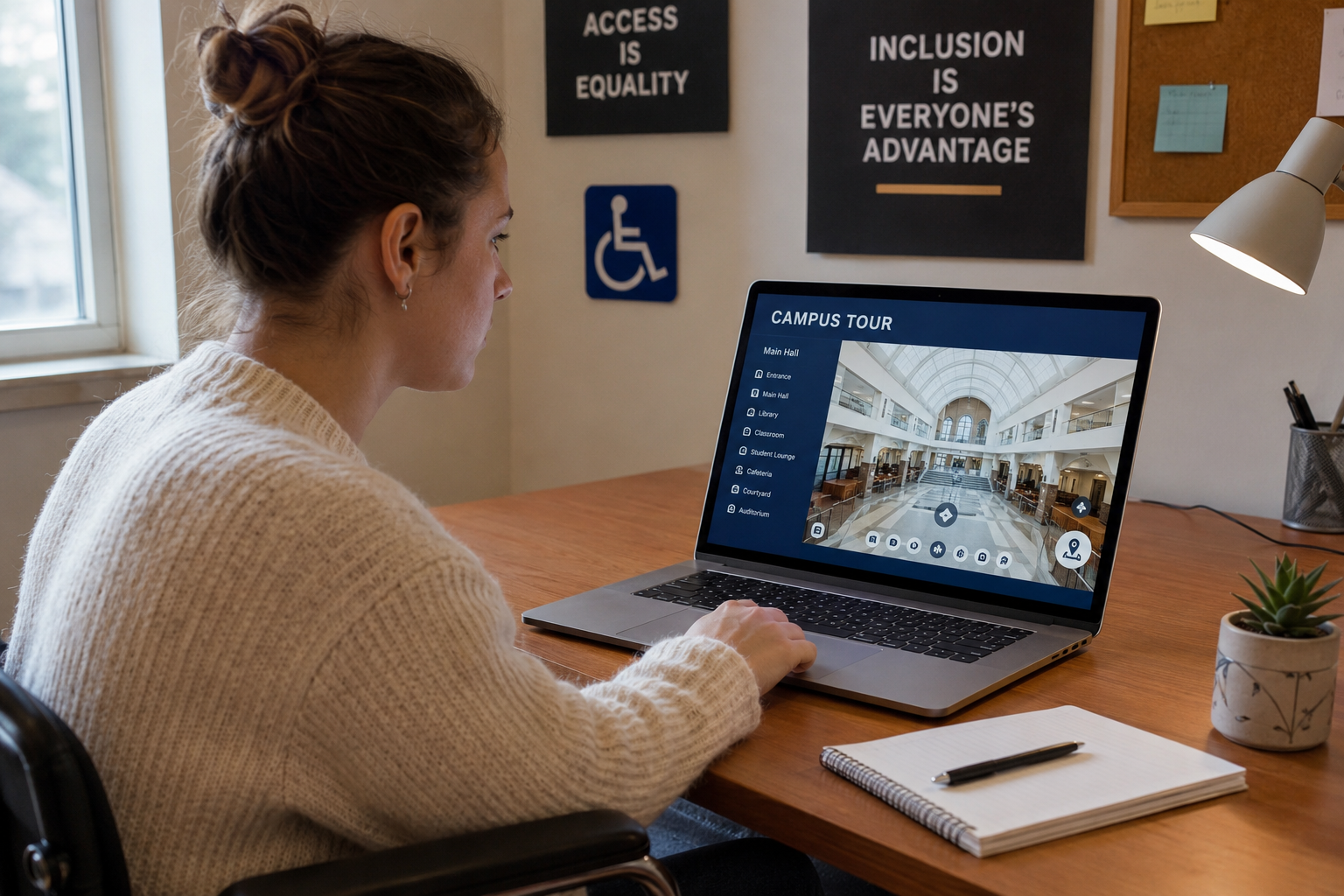
Virtual campus tours have become an essential part of the student recruitment journey. They allow prospective students to explore campuses remotely, understand facilities, and gain a sense of campus life before deciding whether to visit in person. For many students—including those living internationally, students with mobility limitations, and families unable to travel—a virtual tour may be the very first interaction they have with an institution.
But creating a virtual tour is only the first step.
Universities also need to ensure that every prospective student can actually use it. If navigation depends entirely on a mouse, videos lack captions, or important information is unavailable to screen readers, the experience becomes inaccessible for many users.
This is why accessibility auditing matters. An accessibility audit helps institutions evaluate whether their virtual campus tours provide an inclusive, understandable, and usable experience for everyone—not simply whether they look visually impressive.
In this guide, we’ll explore how universities can audit the accessibility of their virtual campus tours, what to evaluate, and why accessibility should be viewed as an ongoing improvement process rather than a one-time checklist.
Key Takeaways
- Accessibility audits evaluate whether every visitor can successfully navigate and understand a virtual campus tour.
- Effective audits combine automated accessibility testing with real human evaluation.
- Navigation, multimedia, interaction, and content clarity all play important roles in accessibility.
- Regular accessibility reviews help universities create more inclusive digital experiences while improving trust and transparency.
Why Accessibility Audits Matter for Virtual Campus Tours
Virtual tours exist because they solve problems that traditional campus visits cannot.
They allow prospective students to:
- Explore campus before traveling
- Compare universities remotely
- Understand campus layouts
- Learn about academic spaces
- Visit multiple times from any location
For students with disabilities, however, these advantages only exist if the tour itself is accessible.
An inaccessible virtual tour can create barriers long before an application is submitted. If someone cannot navigate between buildings, understand multimedia content, or locate essential information independently, the institution may unintentionally exclude prospective students from the very beginning of their decision-making process.
Accessibility audits help identify these barriers before students encounter them, supporting a more inclusive admissions experience.
What Does an Accessibility Audit Actually Evaluate?
An accessibility audit looks beyond visual design.
Instead, it asks practical questions such as:
- Can users navigate without a mouse?
- Can screen readers interpret the tour correctly?
- Are videos understandable without sound?
- Are interactive elements clearly labeled?
- Can users understand where they are within the tour?
- Does every visitor receive the same essential information regardless of ability?
The goal is not simply technical compliance.
The goal is ensuring that every prospective student can successfully explore, understand, and interact with the campus experience.
Start with Navigation
Can Every User Move Through the Tour?
Navigation is often the first area that should be audited.
Virtual tours typically include:
- Building selections
- Floor changes
- Hotspots
- Interactive maps
- Information panels
- Menus
Every one of these interactions should be usable without unnecessary difficulty.
Accessibility reviewers should test whether users can:
- Navigate using only a keyboard
- Clearly identify which element currently has focus
- Move forward and backward logically
- Return to previous locations without confusion
If navigation requires precise mouse movement or hidden controls, many users may struggle to explore independently.
Evaluate Screen Reader Compatibility
Many visitors rely on assistive technologies rather than visual interfaces.
A screen reader should be able to communicate:
- Room names
- Building names
- Navigation controls
- Interactive hotspots
- Buttons
- Educational content
An accessibility audit should verify that these elements are properly labeled and announced in a logical order.
For example, a hotspot should communicate meaningful information such as:
“Engineering Laboratory – Open information panel.”
rather than:
“Button 12.”
The difference dramatically affects usability.
Review Multimedia Content
Virtual campus tours often include:
- Welcome videos
- Student testimonials
- Faculty introductions
- Narrated campus guides
- Department presentations
Every multimedia element should be reviewed for accessibility.
Important considerations include:
Closed Captions
Captions help users who are deaf or hard of hearing while also benefiting users in quiet environments or those watching without audio.
Audio Descriptions
If important visual information is presented without narration, audio descriptions may be necessary.
Transcript Availability
Providing transcripts allows users to review information in an alternative format and improves overall accessibility.
Test Interactive Hotspots
Interactive hotspots are one of the strongest features of virtual tours.
They allow visitors to explore classrooms, laboratories, residence halls, libraries, athletic facilities, and student spaces in greater detail.
During an accessibility audit, reviewers should evaluate whether hotspots are:
- Easy to locate
- Large enough to activate
- Clearly identified
- Consistently positioned
- Understandable before selection
Users should immediately understand what each hotspot will reveal.
Unexpected interactions increase confusion and reduce confidence.
Assess Spatial Understanding
One advantage virtual tours have over traditional photo galleries is their ability to communicate spatial relationships.
Accessibility audits should evaluate whether visitors can understand:
- How buildings connect
- Where entrances are located
- The relationship between indoor and outdoor spaces
- Campus pathways
- Department locations
If users become disoriented while navigating, the educational value of the virtual tour decreases.
Clear transitions, orientation cues, and logical movement all contribute to accessibility.
Review Visual Accessibility
Visual design also affects accessibility.
Reviewers should examine:
Color Contrast
Text should remain readable against backgrounds.
Font Readability
Typography should remain clear across desktop, tablet, and mobile devices.
Interface Consistency
Buttons, menus, and controls should behave consistently throughout the experience.
Zoom Compatibility
Users should be able to enlarge content without losing functionality.
Good visual accessibility improves usability for everyone—not only people with disabilities.
Test Across Multiple Devices
Prospective students increasingly access virtual tours from:
- Smartphones
- Tablets
- Laptops
- Desktop computers
Accessibility should remain consistent across every platform.
An audit should confirm that:
- Navigation remains intuitive
- Interactive elements remain usable
- Text remains readable
- Multimedia functions correctly
- Layouts adapt appropriately
Accessibility should never depend on using a particular device.
Include Real User Testing
Automated accessibility tools are valuable, but they cannot identify every usability issue.
Research consistently shows that automated testing detects only a portion of accessibility barriers, making manual evaluation an essential part of the audit process.
Universities benefit greatly from involving users with diverse accessibility needs.
Real participants can reveal challenges such as:
- Confusing navigation
- Poor orientation
- Information overload
- Difficult interactions
- Unexpected barriers
This feedback often uncovers improvements that automated software cannot detect.
Accessibility Audits Are Ongoing
Campus environments evolve.
New buildings open.
Departments relocate.
Residence halls change.
Virtual tours are frequently updated with new content.
Accessibility should therefore be reviewed regularly—not only when a tour first launches.
Many institutions include accessibility reviews whenever they:
- Add new tour locations
- Publish new videos
- Update navigation
- Introduce interactive features
- Redesign admissions websites
Continuous improvement keeps the experience inclusive as campuses evolve.
Virtual Tours vs Static Photos for Accessibility Auditing
Static campus photography provides useful visual information but offers limited interaction.
When auditing photos, reviewers mainly assess:
- Image descriptions
- Alternative text
- Color contrast
- Layout
Virtual tours require a broader evaluation because users actively navigate through spaces.
Accessibility audits must consider:
Static Photos | Virtual Campus Tours |
Single visual content | Interactive navigation |
Limited user interaction | Continuous user movement |
Simple alternative text | Screen reader compatibility, keyboard access, multimedia, orientation, and interactive controls |
Individual accessibility checks | End-to-end user experience evaluation |
Virtual tours provide richer understanding of campus spaces, but they also require more comprehensive accessibility testing.
FAQs
Accessibility audits should be performed whenever significant updates are made and reviewed periodically to ensure the experience remains usable as content evolves.
No. Automated tools are useful for identifying technical issues, but human testing is essential for evaluating navigation, clarity, and real-world usability.
Yes. Many prospective students explore campuses on smartphones, so accessibility should be evaluated across desktop and mobile devices.
Absolutely. Clear navigation, readable content, consistent layouts, and understandable interactions improve the experience for every visitor—not only users with disabilities.
No. Accessibility focuses on ensuring equal access, while usability evaluates how efficiently and comfortably users complete tasks. Together they provide a more complete understanding of the user experience.
Final Thoughts
An accessible virtual campus tour is more than a digital showcase—it is often a student’s first opportunity to understand whether they can imagine themselves on campus.
Accessibility audits help universities ensure that every visitor, regardless of ability or location, can explore campus independently, understand important spaces, and make informed decisions with confidence.
Rather than viewing accessibility as a one-time compliance exercise, institutions should treat it as an ongoing commitment to inclusion, transparency, and better digital experiences.
As virtual campus tours continue to play a larger role in admissions and student engagement, regular accessibility audits will remain one of the most effective ways to ensure that every prospective student has an equal opportunity to experience the campus before ever setting foot on it.
I have a virtual tour on my website and would like an audit.
I don't have a virtual tour yet, would love a demo to see how it works.